 Aesthetic
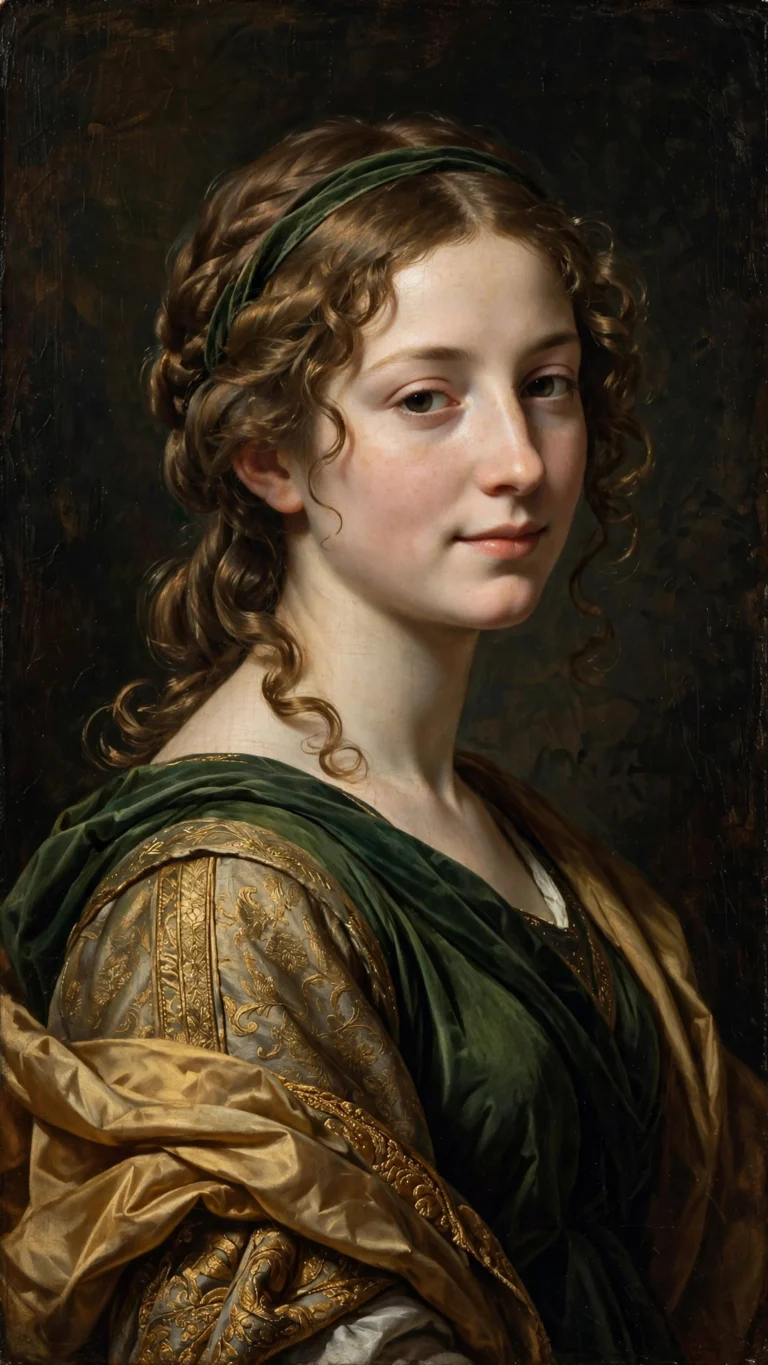
Renaissance Painting Portrait
Renaissance Painting Portrait
Turn your photo into a Renaissance oil painting — chiaroscuro light, rich drapery, old-master style. Free AI prompt, copy-paste.
PromptSeen is a free library of copy-paste AI photo prompts for ChatGPT and Google Gemini, plus trending CapCut templates. Pick a style, copy the tested prompt, and paste it in seconds. No sign-up, no cost.
Pick a style below, copy the tested prompt and paste it in seconds.
The styles getting the most saves right now — each one tested on ChatGPT and Gemini.
AestheticRenaissance Painting Portrait
Turn your photo into a Renaissance oil painting — chiaroscuro light, rich drapery, old-master style. Free AI prompt, copy-paste.
 Aesthetic
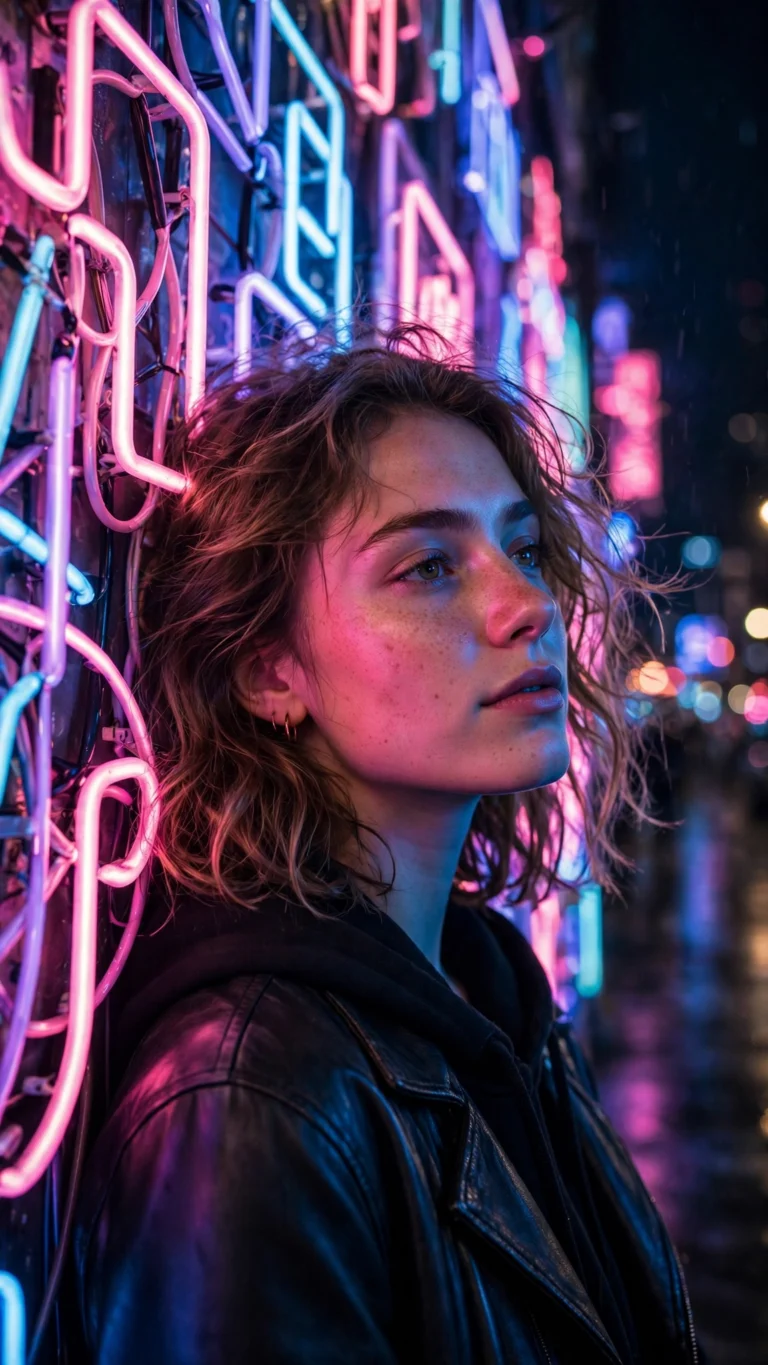
Neon Sign Night Aesthetic
Neon sign night aesthetic — glowing signs, rain-wet streets, cyber glow. Free copy-paste AI photo prompt for Gemini & ChatGPT.
 Aesthetic
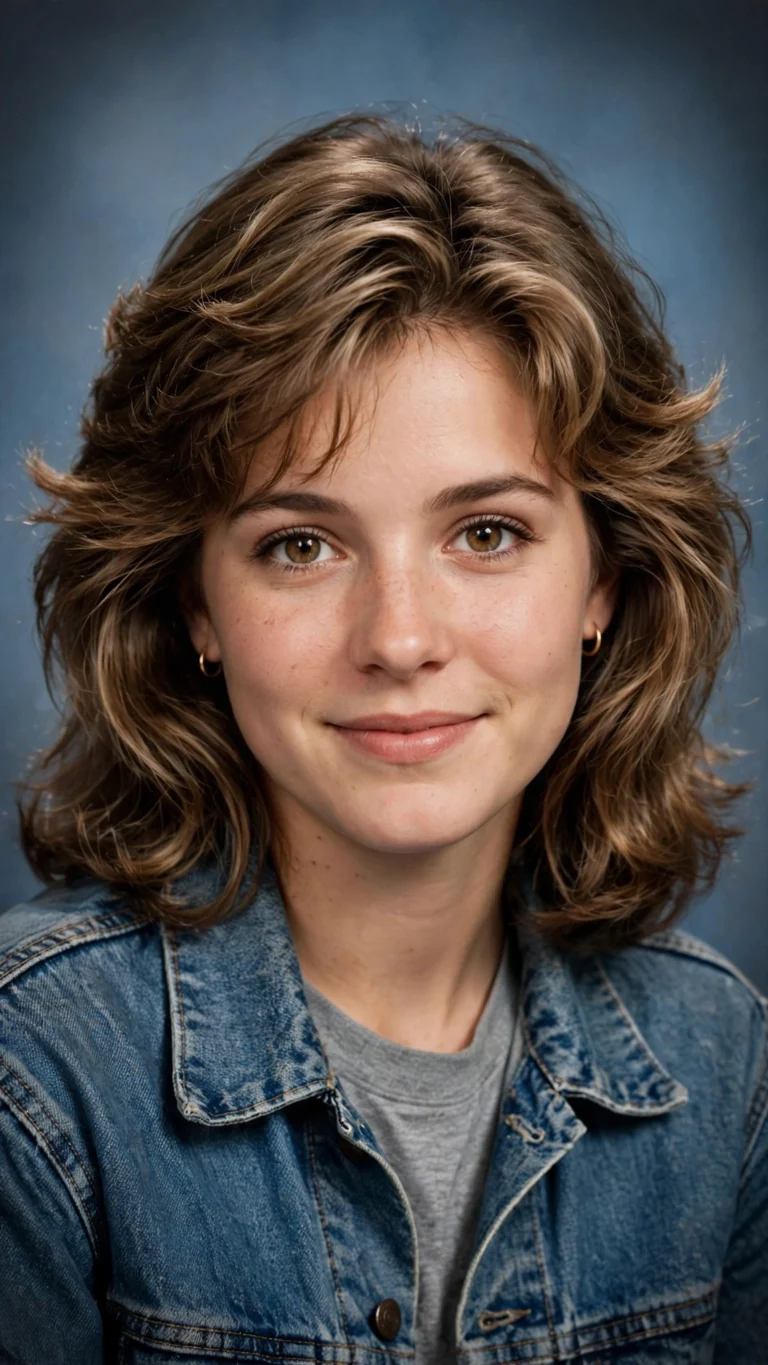
AI Yearbook 90s Trend Portrait
The viral 90s yearbook trend — retro school portrait, soft flash, film grain. Free AI prompt for Gemini & ChatGPT, copy-paste.
 Boys
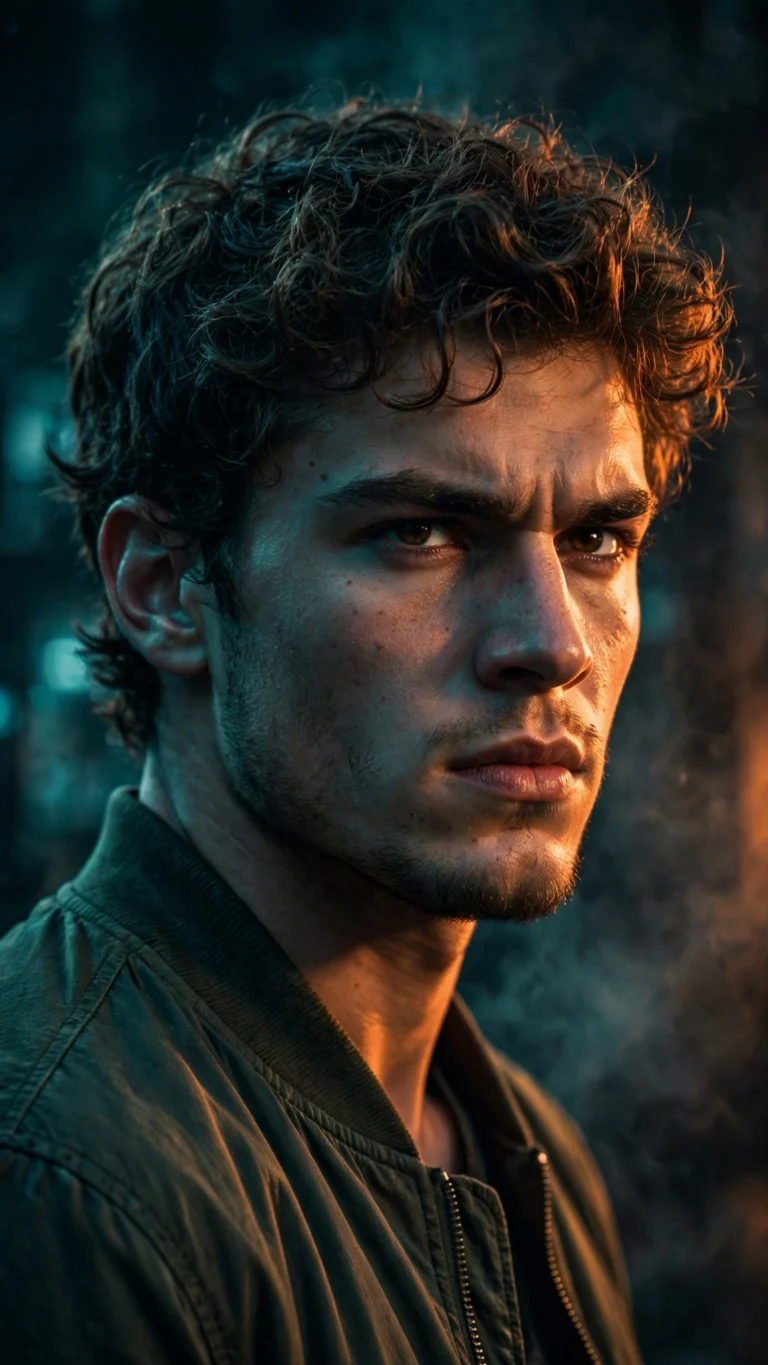
Nano Banana Cinematic Portrait for Boys
Nano Banana cinematic portrait for boys — film-still lighting, moody grade, sharp detail. Free prompt, copy-paste into Gemini.
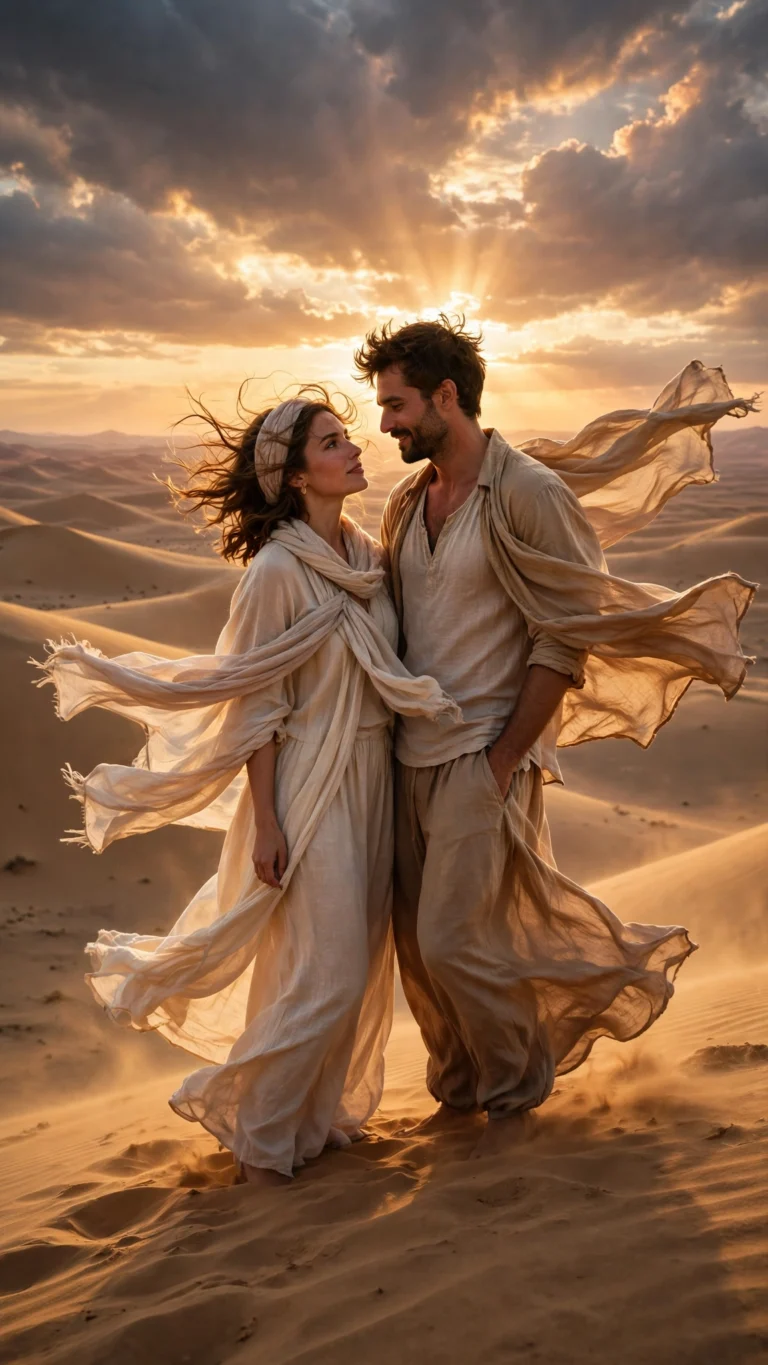 Couple
Desert Safari Golden Couple
Golden desert safari couple portrait — sweeping dunes, camel caravan, sunset glow. Free AI photo prompt, copy-paste ready.
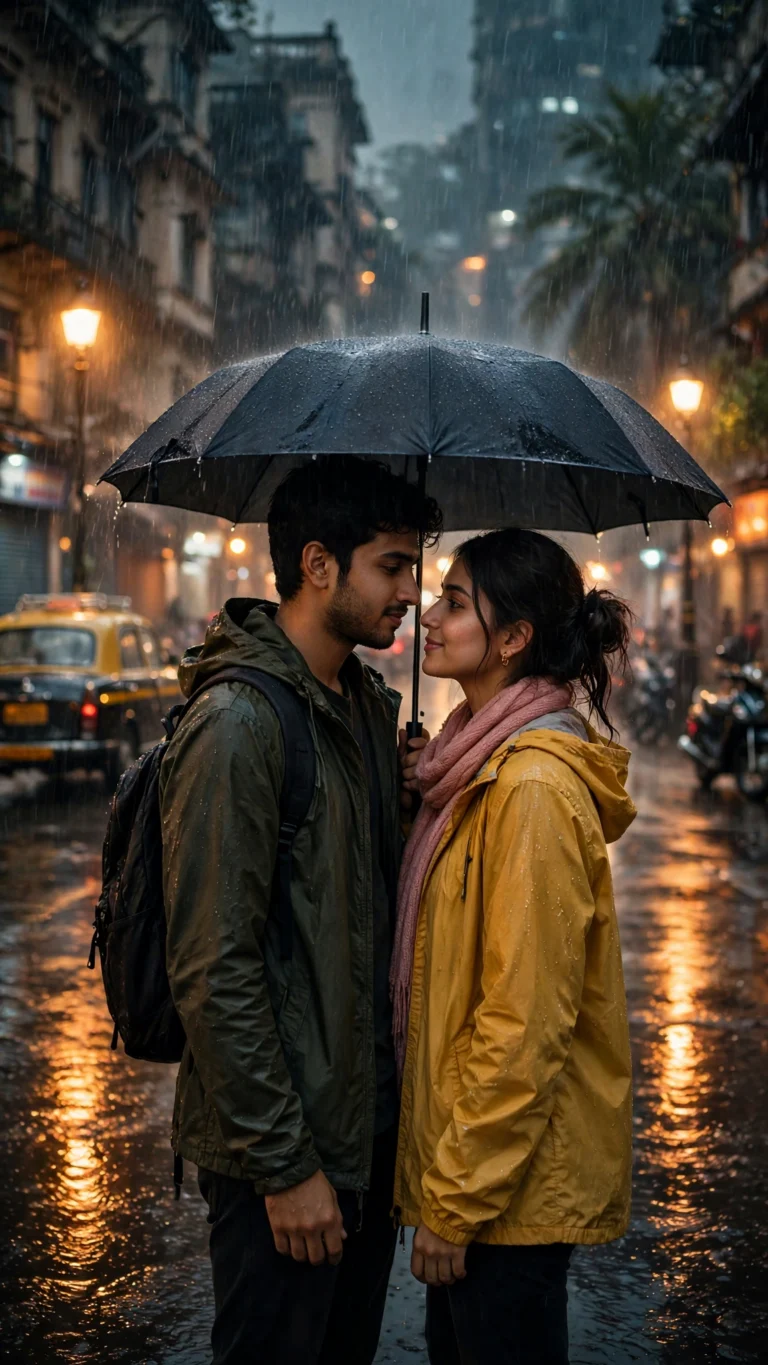 Couple
Monsoon Rain Romance Couple
Romantic monsoon rain portrait — wet streets, glowing lamps, one shared umbrella. Free copy-paste AI prompt for Gemini & ChatGPT.
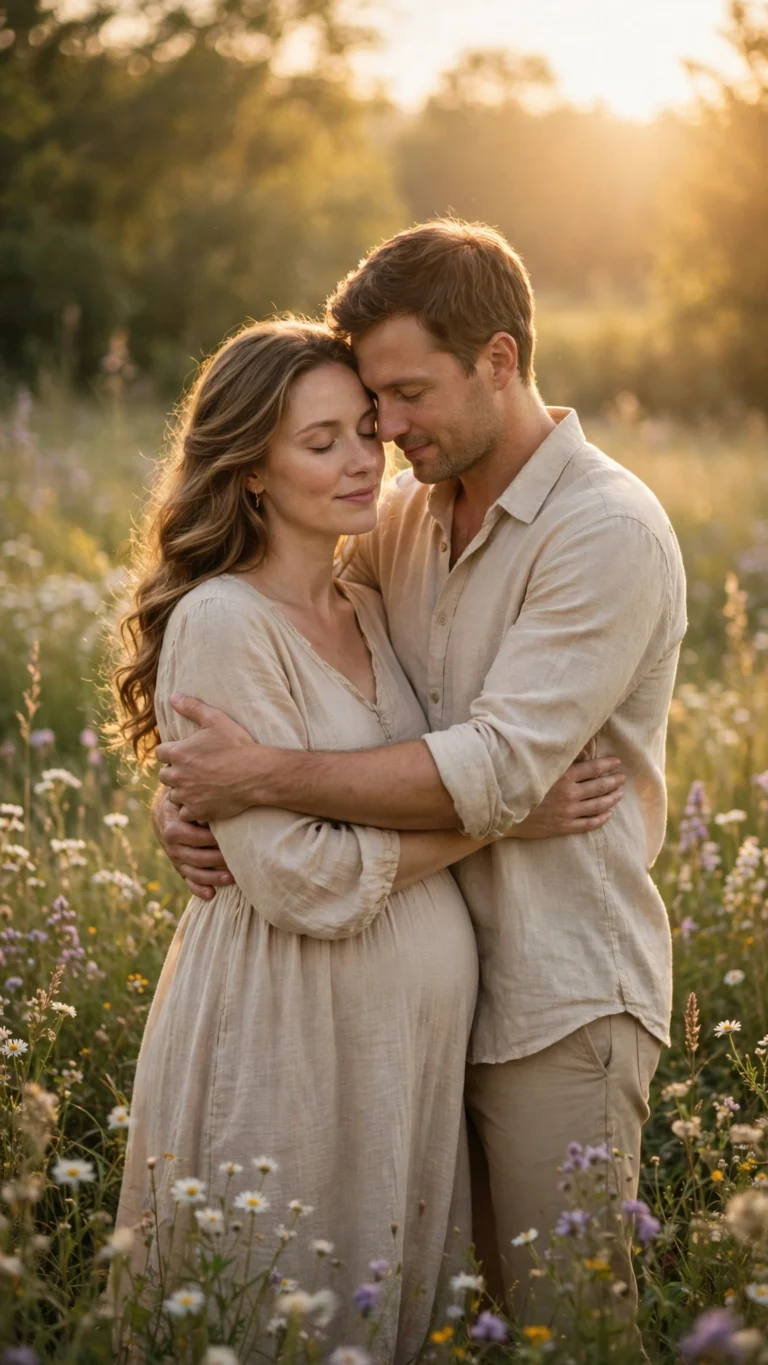 Couple
Maternity Glow Couple Portrait
A dreamy maternity glow portrait — soft golden light, flowing gown, tender couple moment. Free AI photo prompt, copy-paste ready.
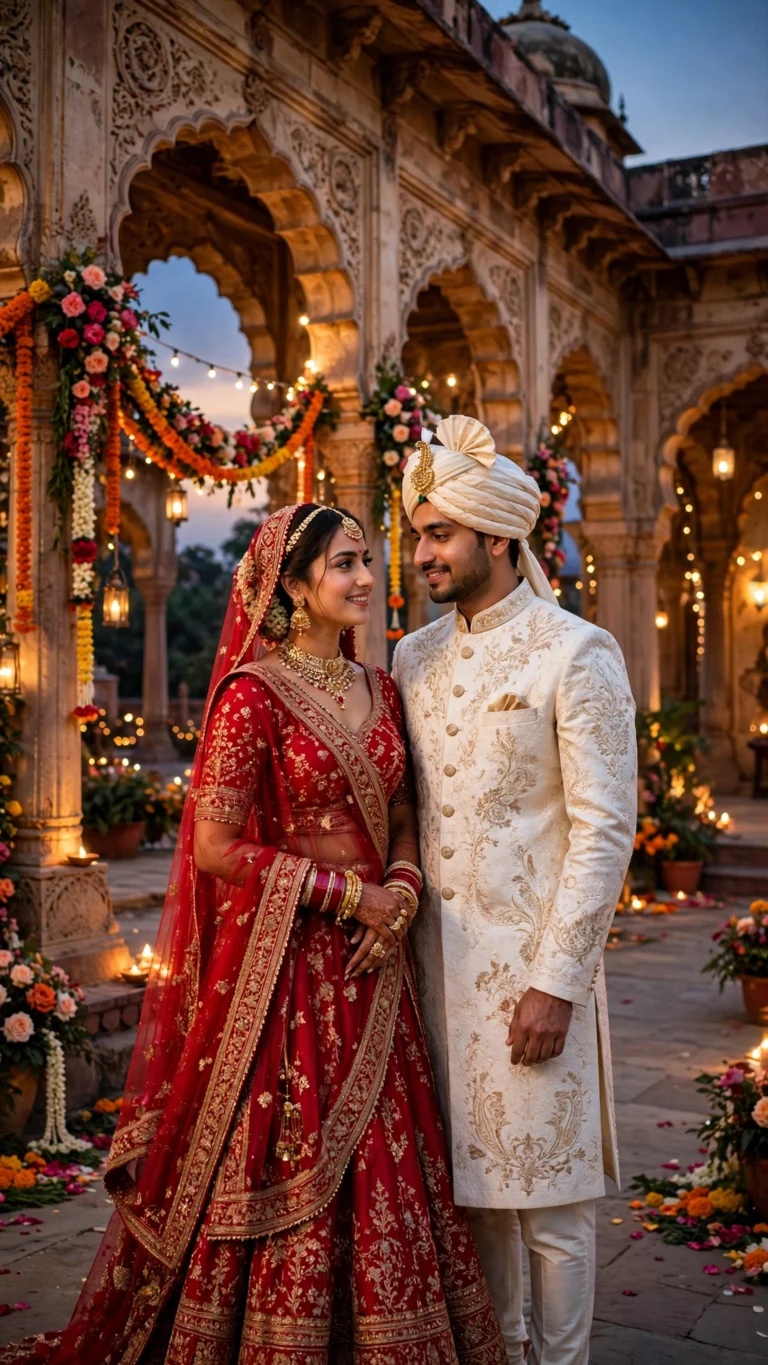 Couple
Royal Palace Wedding Couple
Turn your photo into a royal palace wedding portrait — grand arches, golden decor, regal couple styling. Free copy-paste AI prompt.
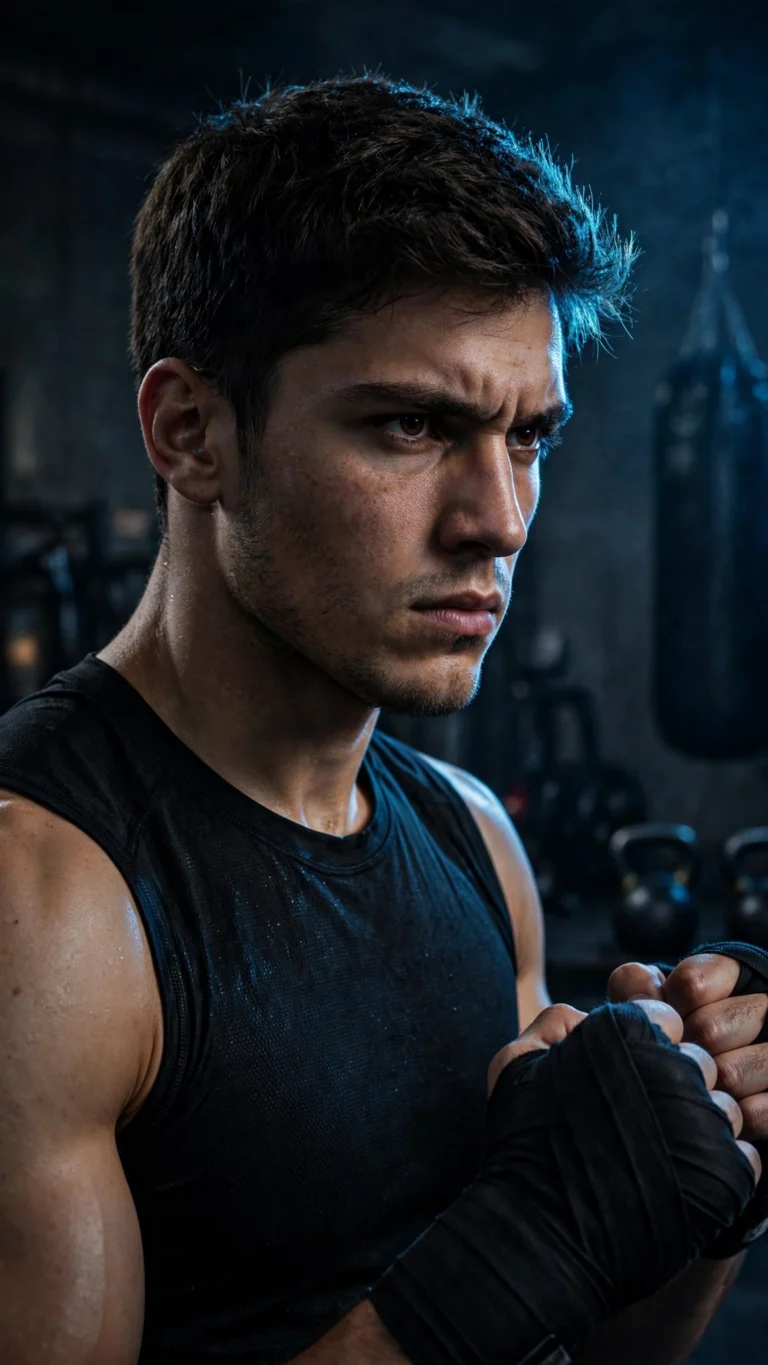 Boys
Gym Fighter Attitude Portrait
Intense gym fighter portrait — sweat, wraps and raw attitude under hard light. Free AI photo prompt for boys, copy-paste for Gemini & ChatGPT.
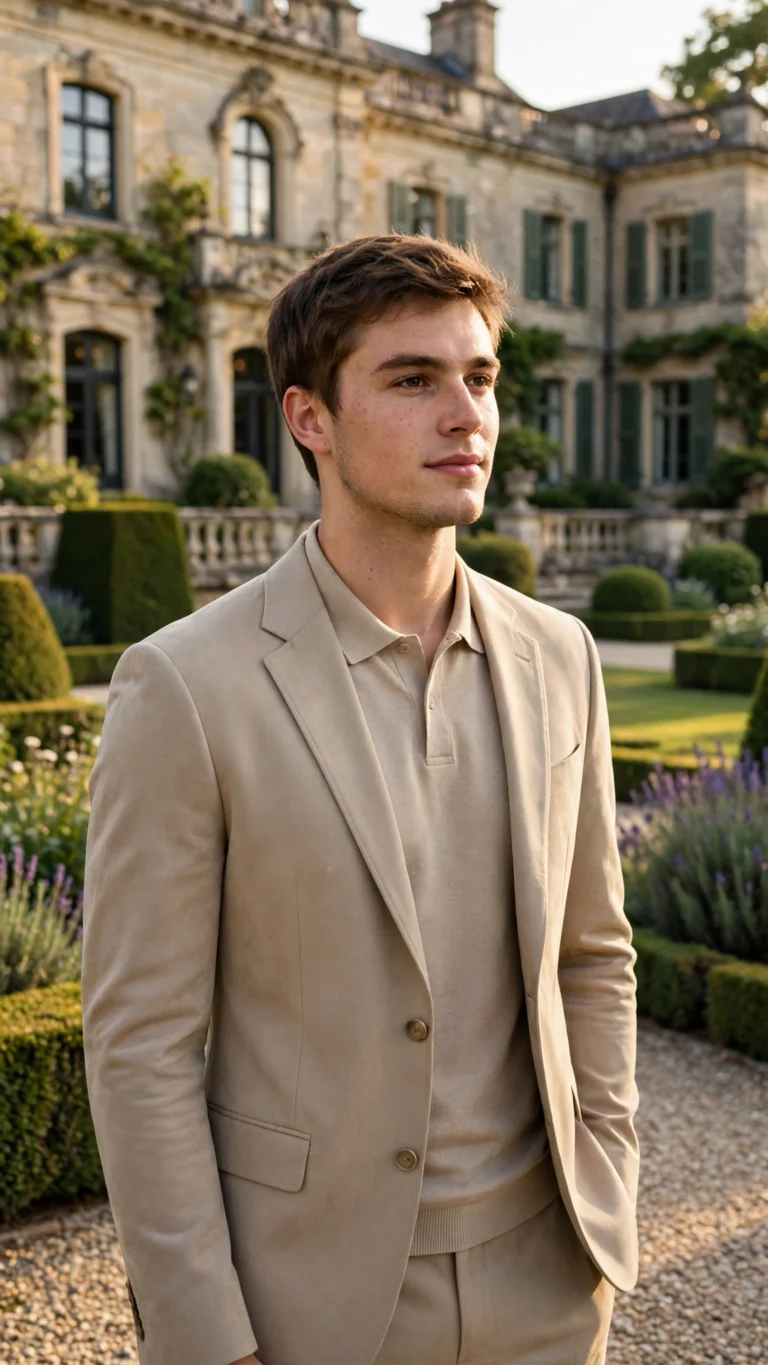 Boys
Old Money Aesthetic Boys
Old-money aesthetic portrait — tailored blazer, vintage watch, quiet luxury. Free AI photo prompt for boys, works with ChatGPT & Gemini.
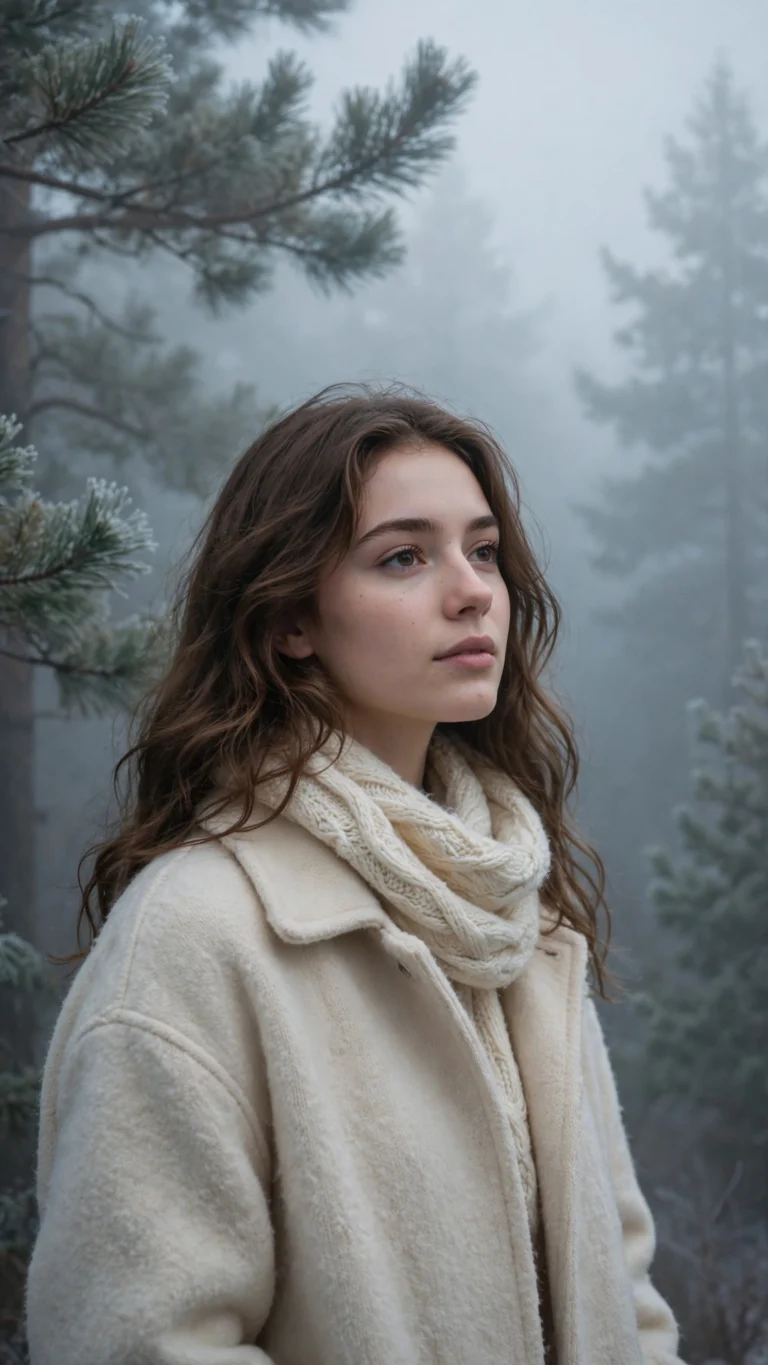 Girls
Winter Fog Aesthetic Portrait
Misty winter-fog portrait — soft breath in cold air, dreamy grey light. Free aesthetic AI photo prompt, copy-paste for Gemini & ChatGPT.
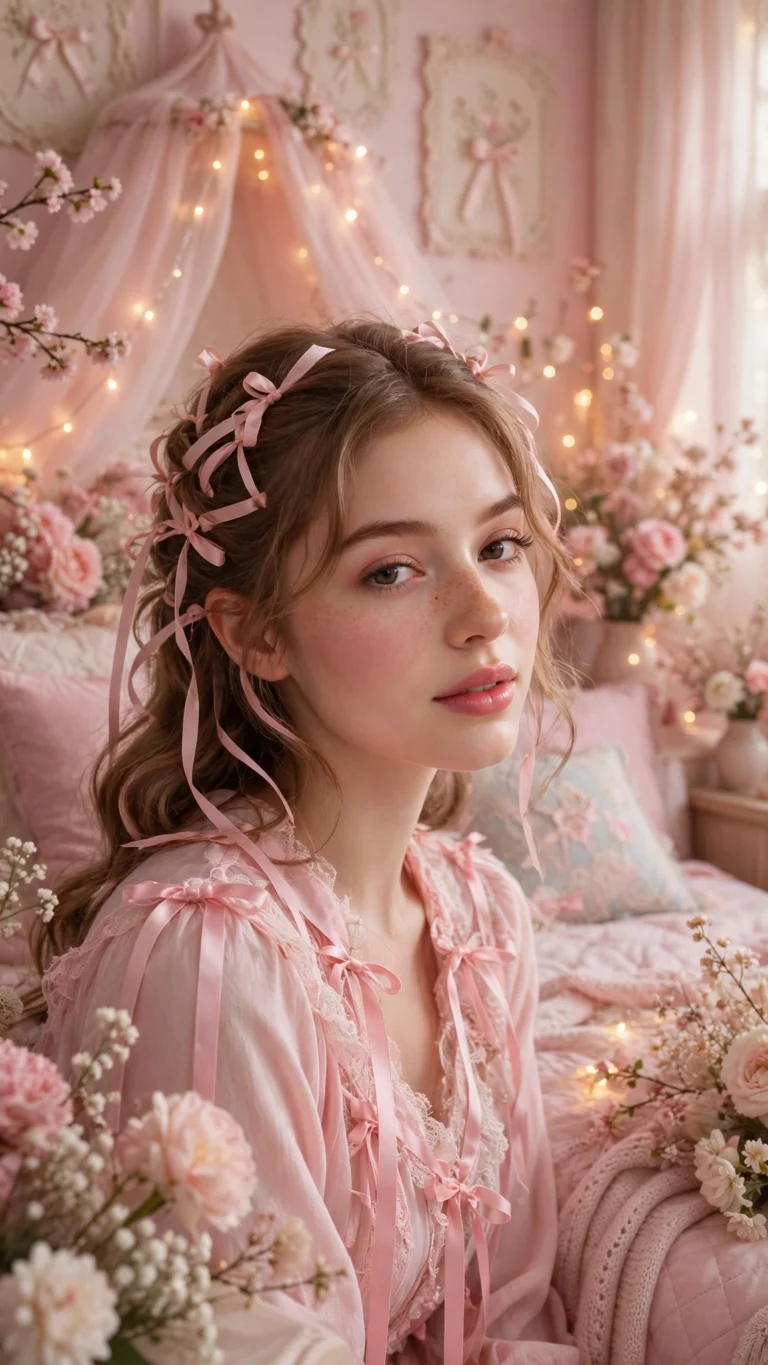 Girls
Soft Coquette Dreamy Look
Dreamy soft coquette look — ribbons, lace, pastel glow and vintage romance. Free AI photo prompt for girls, works on Gemini & ChatGPT.
 Girls
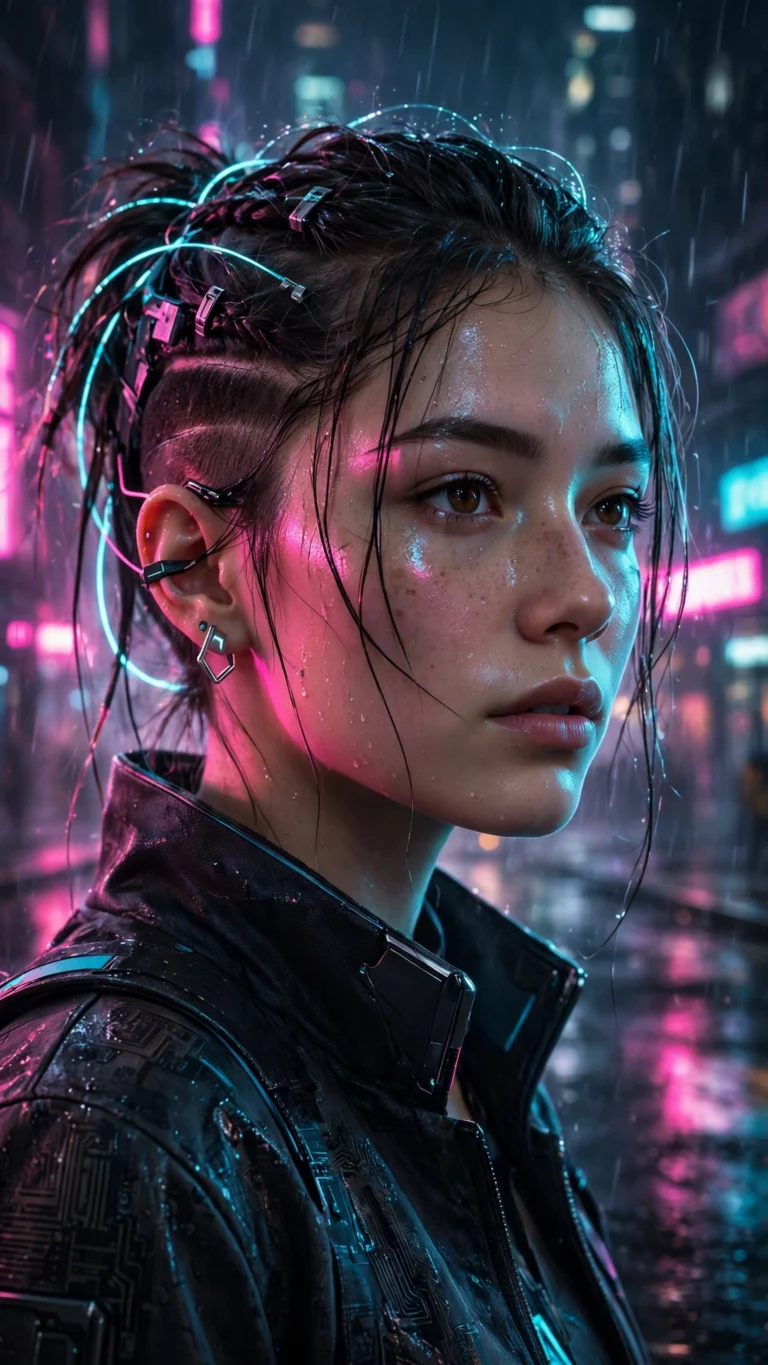
Cyberpunk Neon Girl Portrait
Futuristic cyberpunk portrait — neon rain, glowing city signs and electric style. Free AI photo prompt for girls, copy-paste for Gemini & ChatGPT.
 Boys
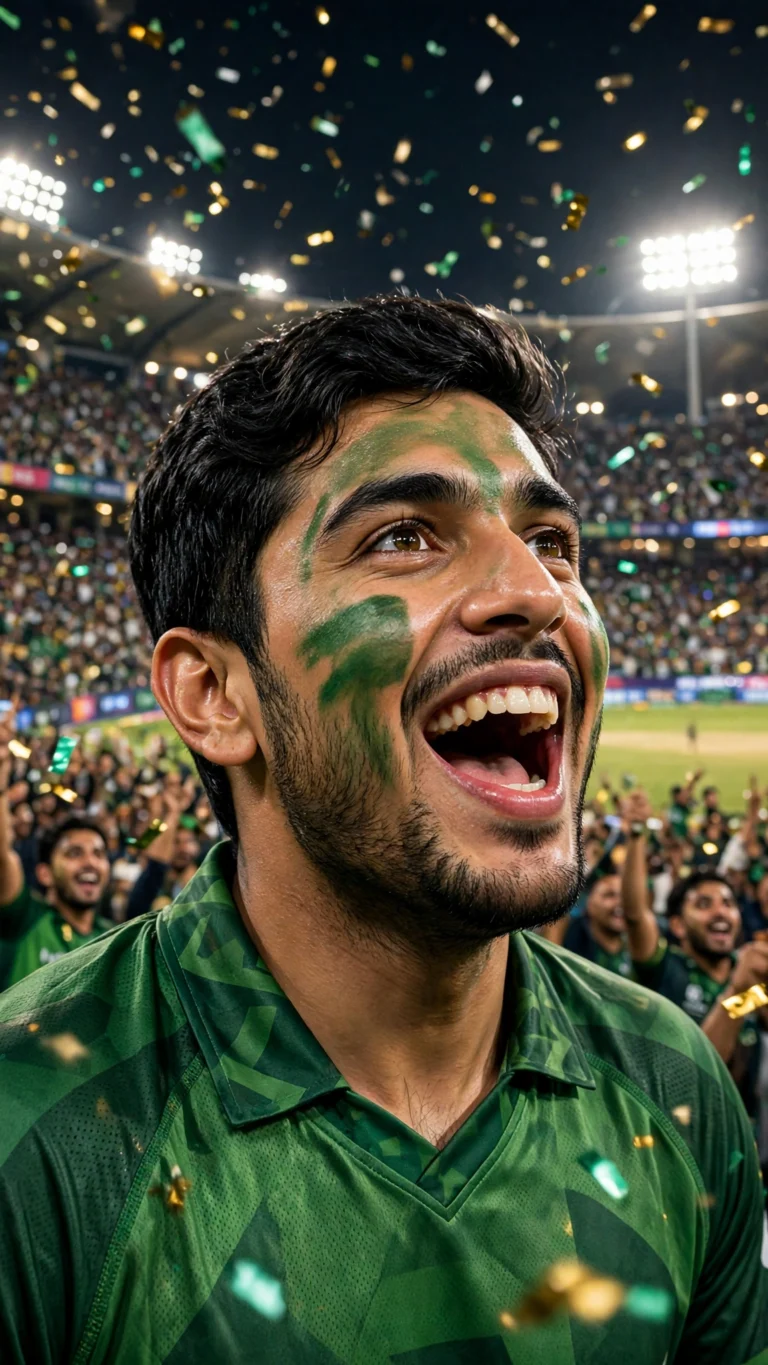
PSL Cricket Stadium Fan Portrait
Show your PSL spirit — stadium lights, roaring crowd and team-jersey energy. Free copy-paste cricket fan AI prompt for ChatGPT & Gemini.
 Festival
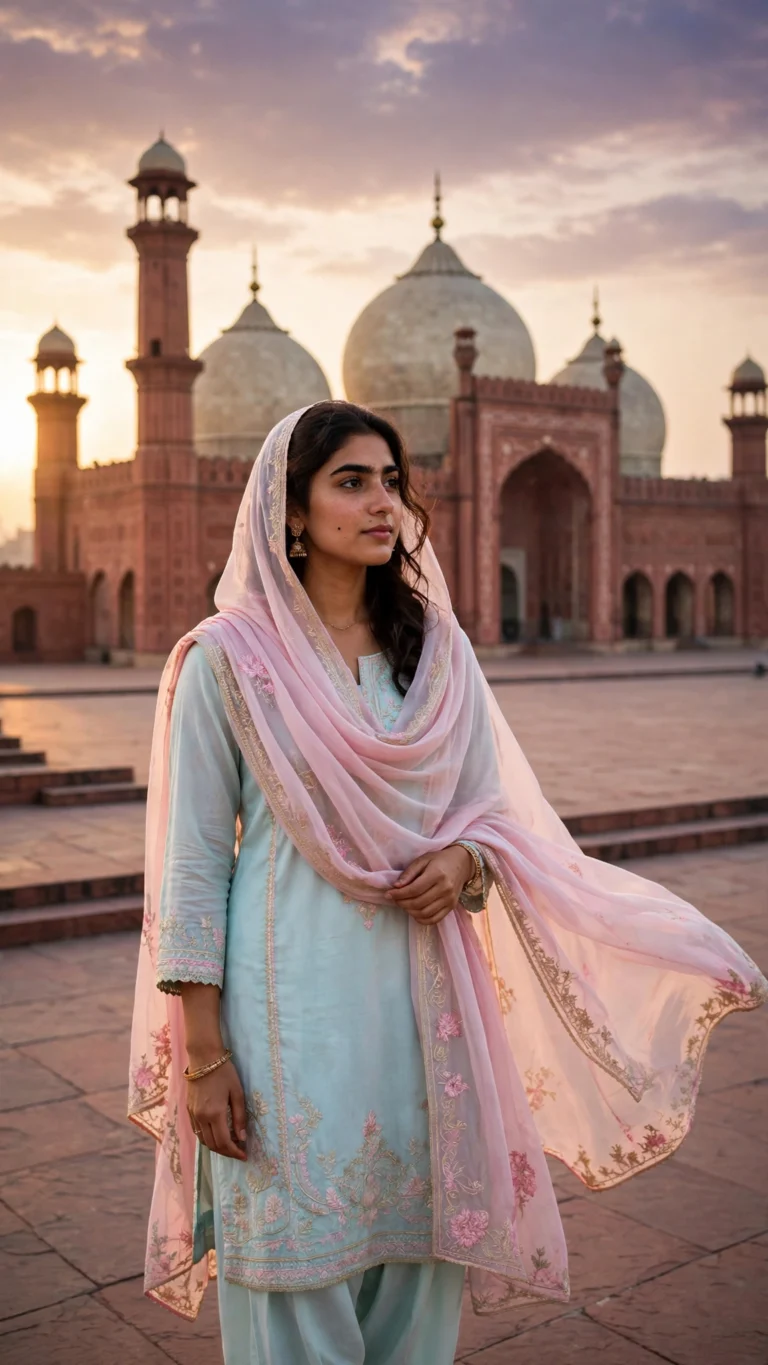
Badshahi Mosque Golden Hour Portrait
Golden-hour portrait at Lahore's Badshahi Mosque — glowing sandstone, pigeons and festive warmth. Free AI photo prompt for Gemini & ChatGPT.
 Aesthetic
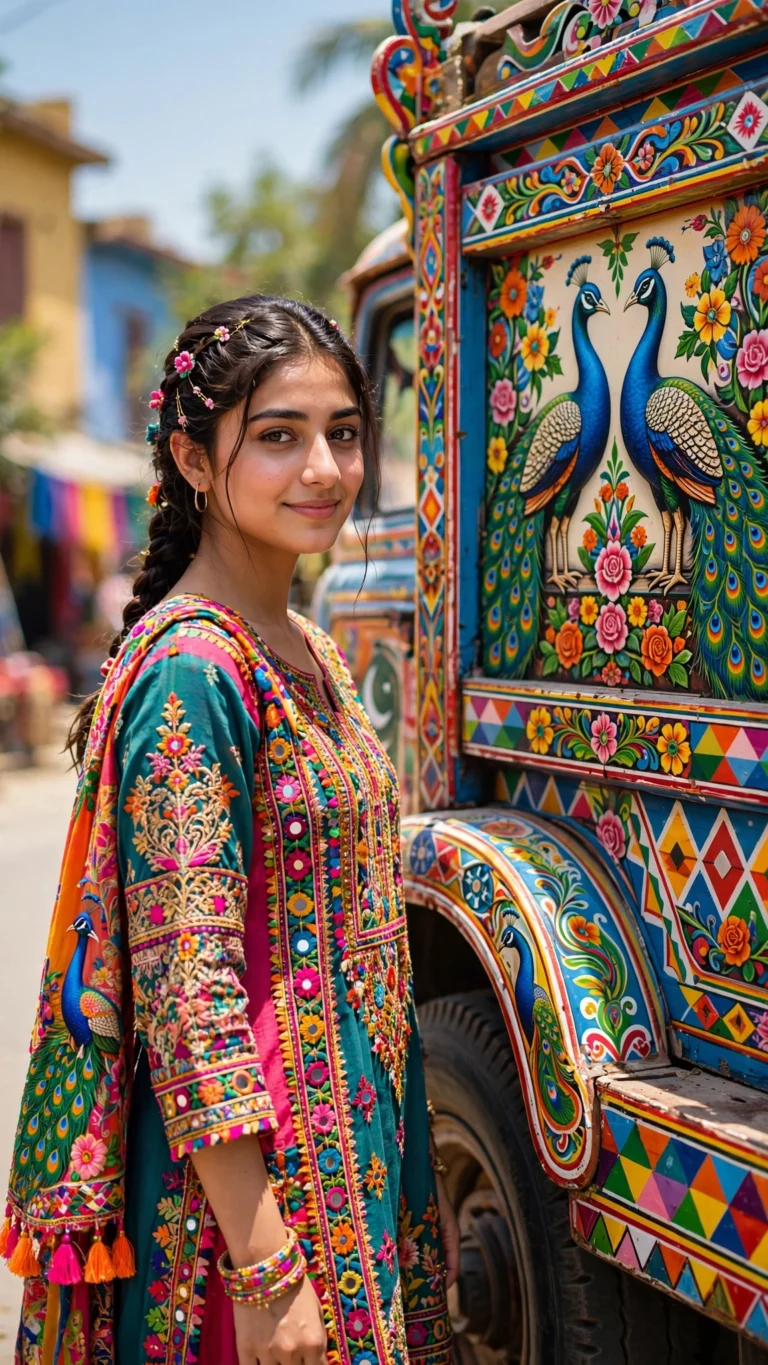
Truck Art Aesthetic Portrait
Turn your photo into a vibrant truck-art portrait — bold Pakistani floral designs and street energy. Free copy-paste AI prompt for Gemini & ChatGPT.
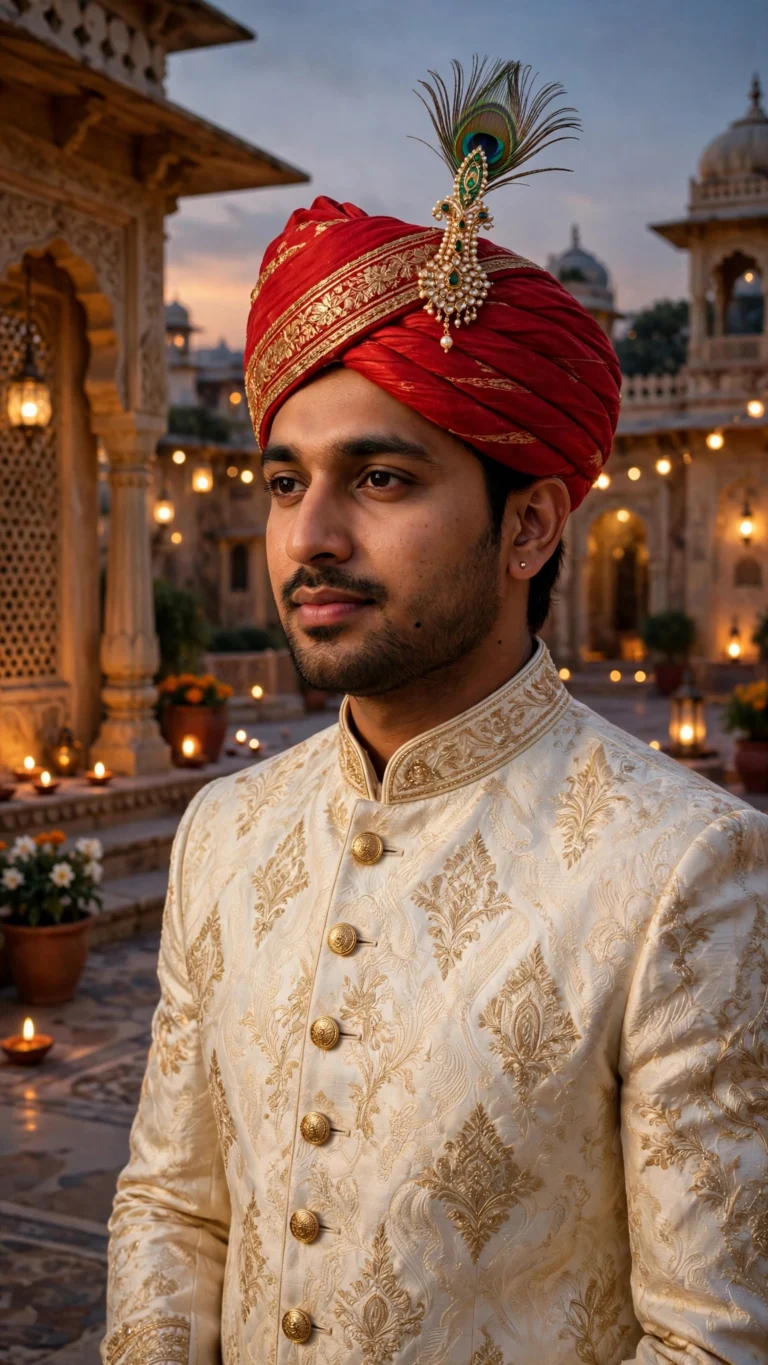 Boys
Sherwani Groom Royal Portrait
Sherwani groom royal portrait — free AI photo prompt for ChatGPT & Gemini. Regal wedding look for boys, no sign-up.
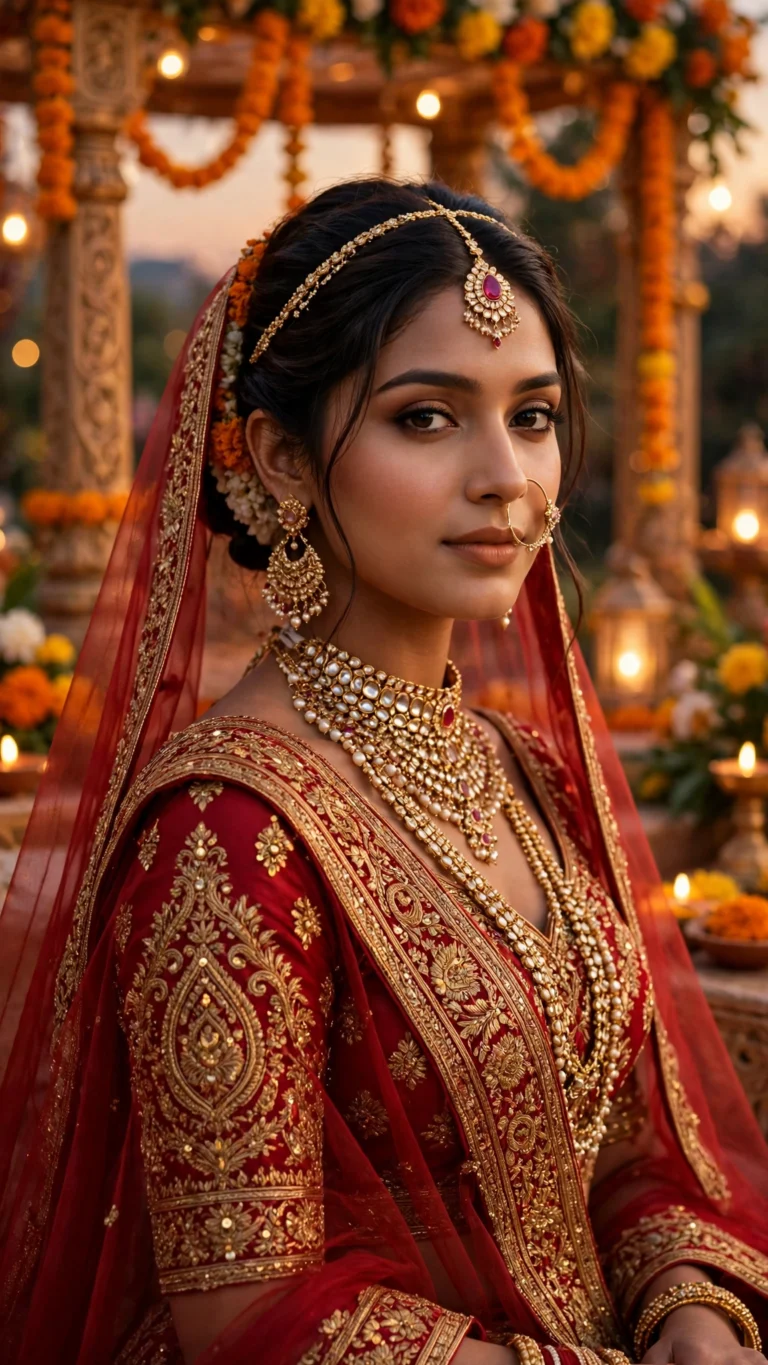 Girls
Dulhan Red Bridal Portrait
Dulhan red bridal portrait — free AI photo prompt for ChatGPT & Gemini. Traditional lehenga bridal look, copy-paste, no sign-up.
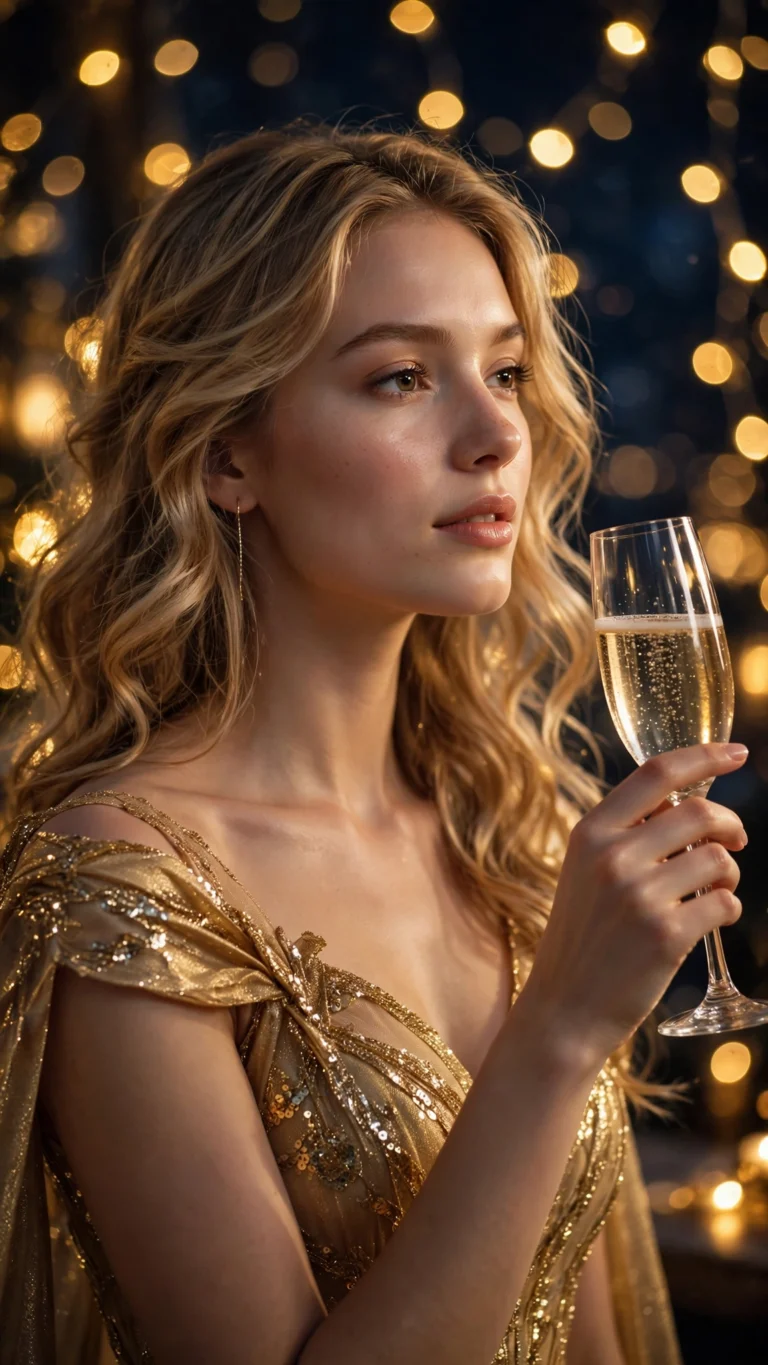 Girls
New Year 2027 Golden Glam Look
New Year 2027 golden glam look for girls — free copy-paste AI photo prompt for ChatGPT & Gemini. No sign-up.
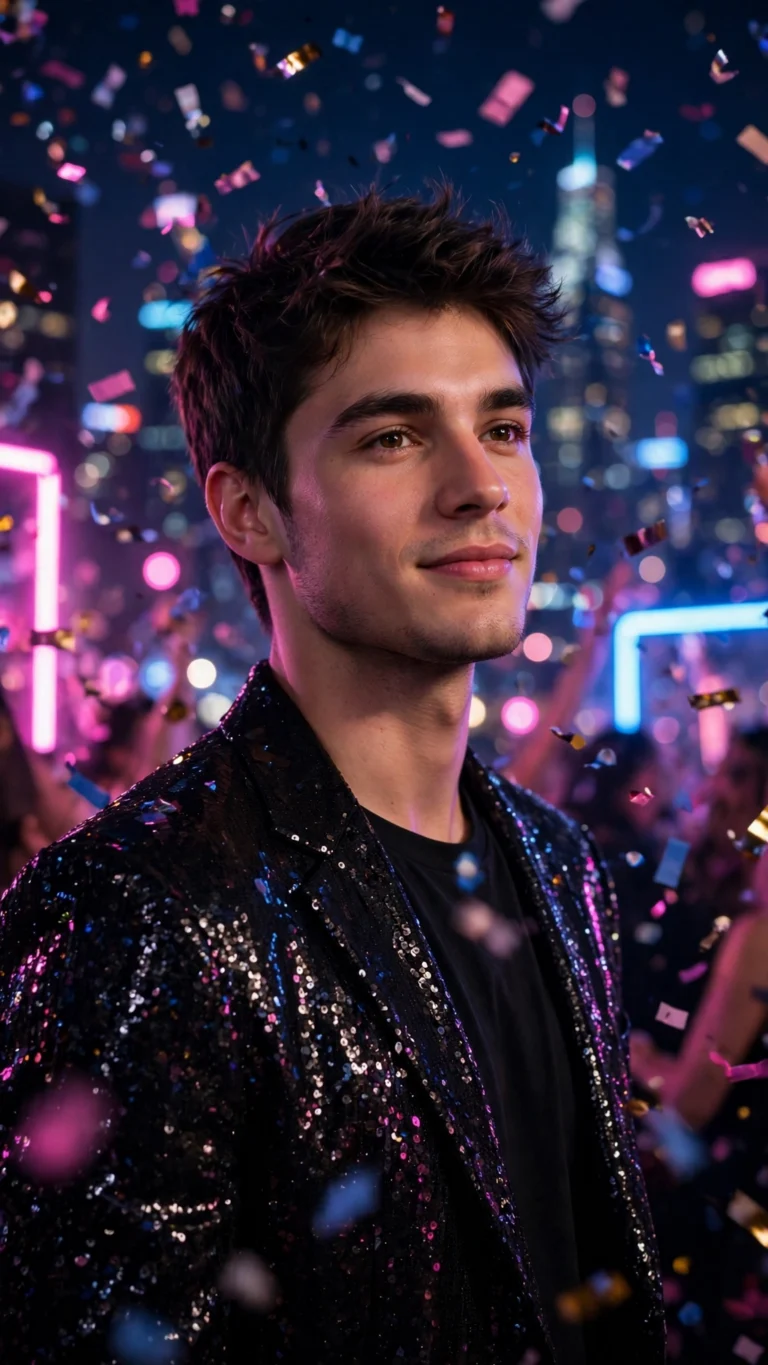 Boys
New Year 2027 Neon Party Portrait
New Year 2027 neon party portrait for boys — free AI photo prompt for ChatGPT & Gemini. Copy-paste, no sign-up needed.
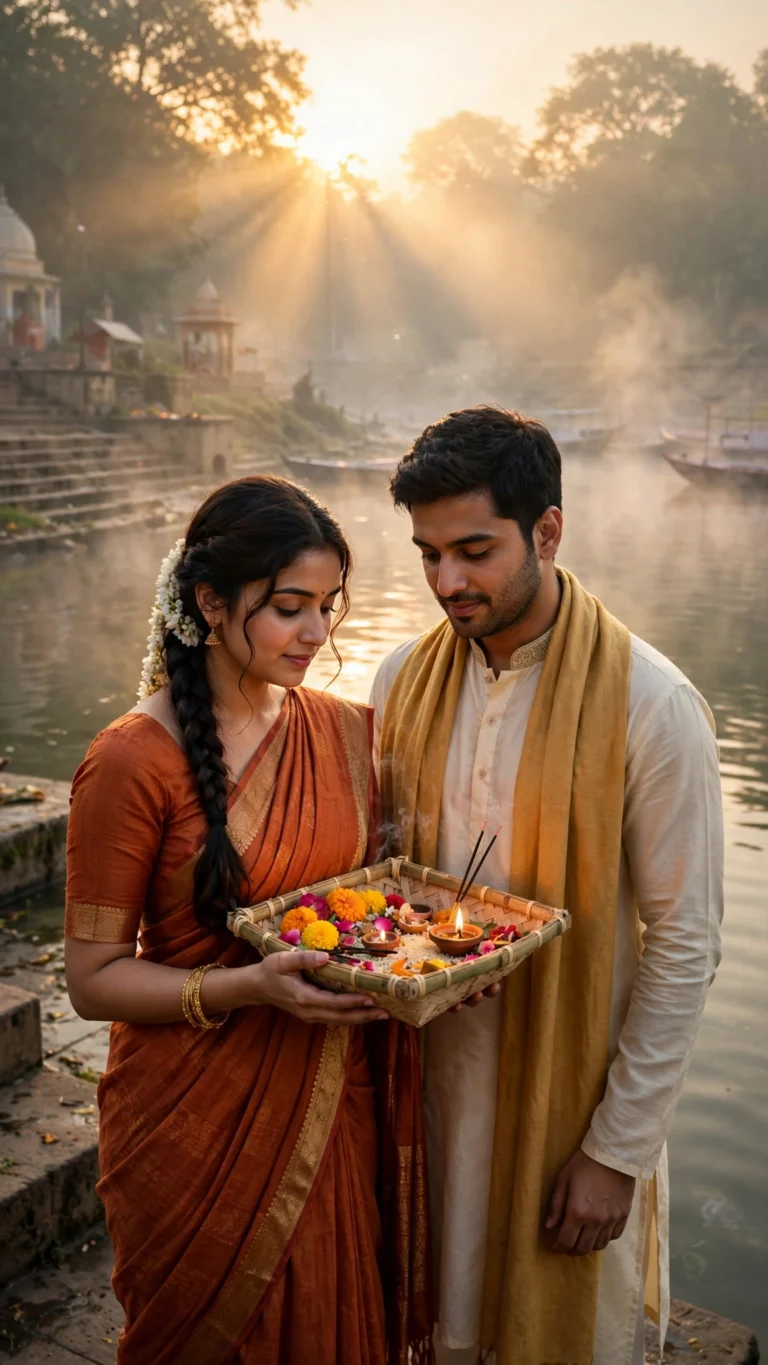 Couple
Chhath Ghat Sunrise Couple Portrait
Chhath Ghat sunrise couple portrait — free AI photo prompt for ChatGPT & Gemini. Divine river ghat scene, no sign-up.
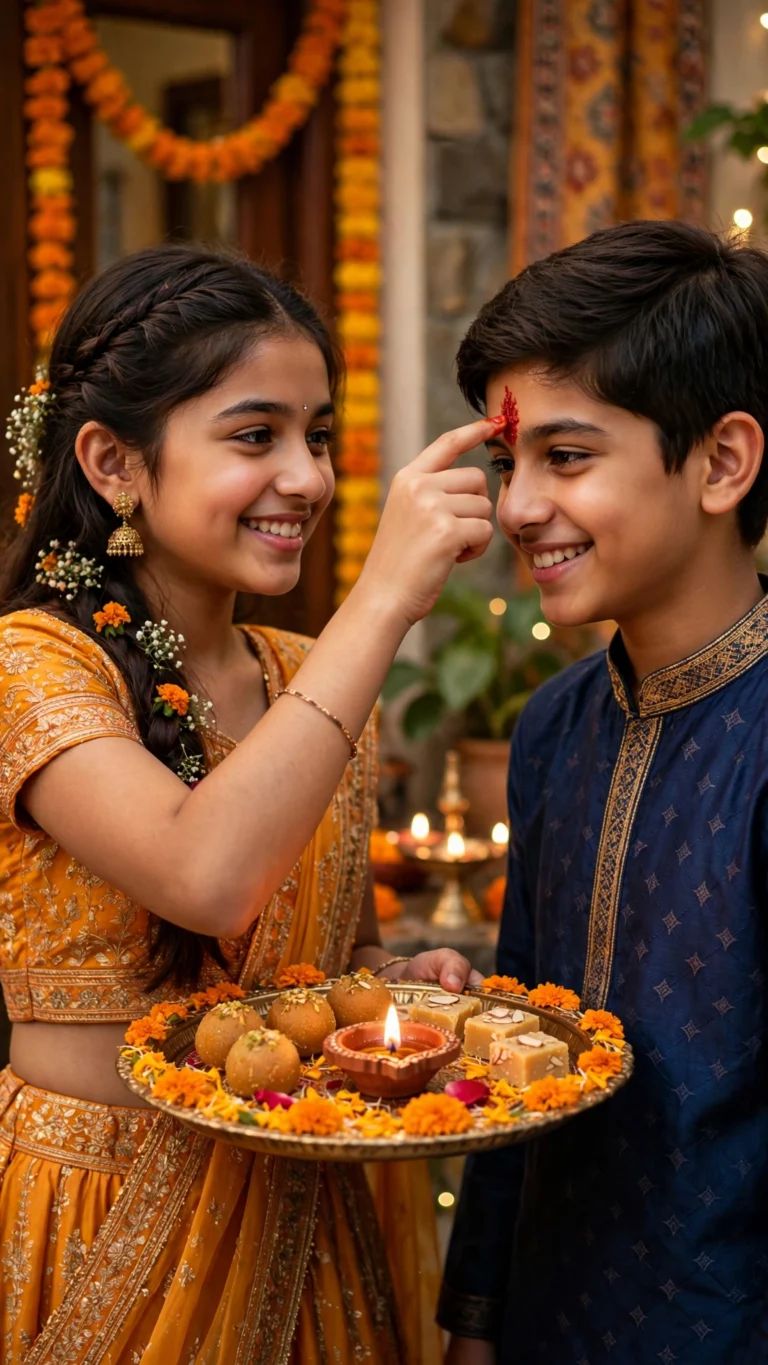 Festival
Bhai Dooj Sibling Love Portrait
Bhai Dooj sibling portrait prompt — free copy-paste AI photo prompt for ChatGPT & Gemini. Tilak ceremony moment, no sign-up.
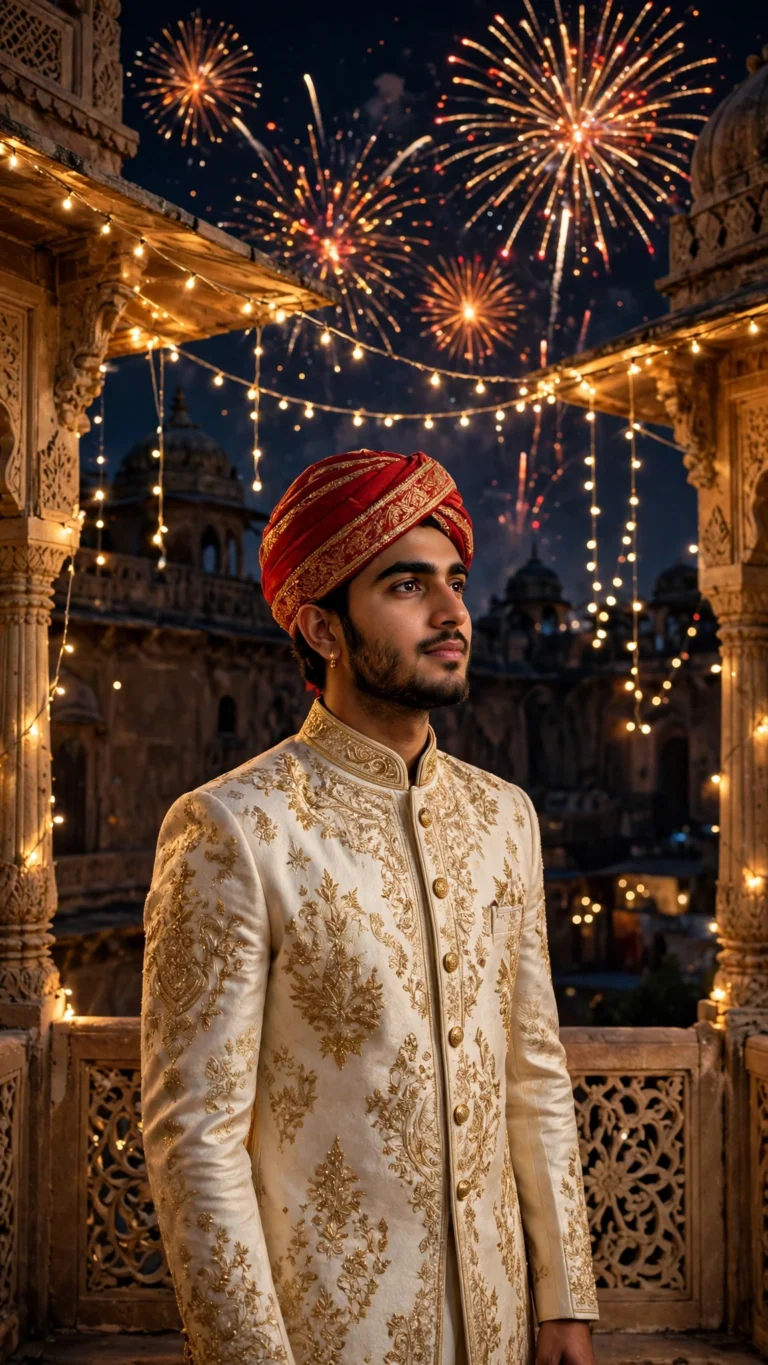 Boys
Diwali Royal Sherwani Look for Boys
Royal Diwali sherwani look for boys — free AI photo prompt for ChatGPT & Gemini. Copy, paste with your photo, no sign-up.
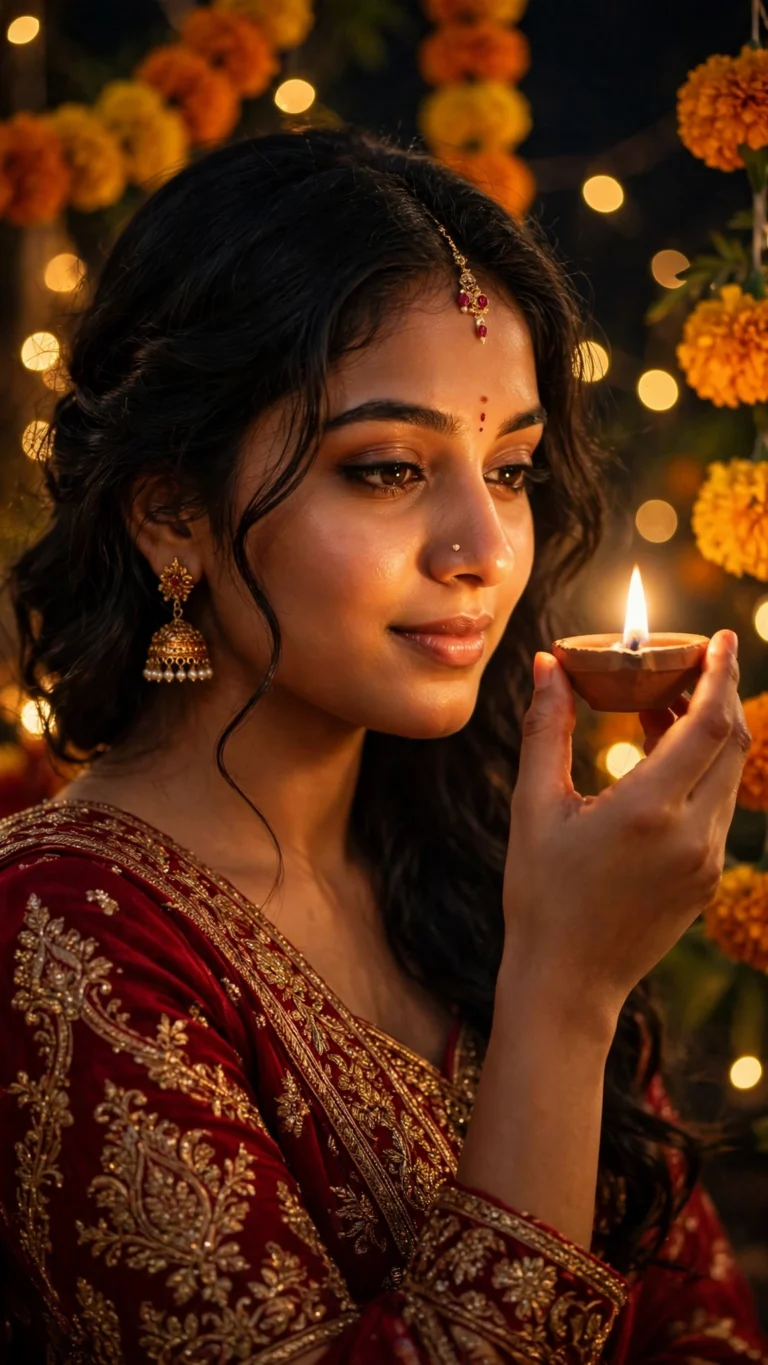 Girls
Diwali Diya Glow Girl Portrait
Diwali diya glow portrait for girls — free copy-paste AI photo prompt for ChatGPT & Gemini. Festive saree look, no sign-up.
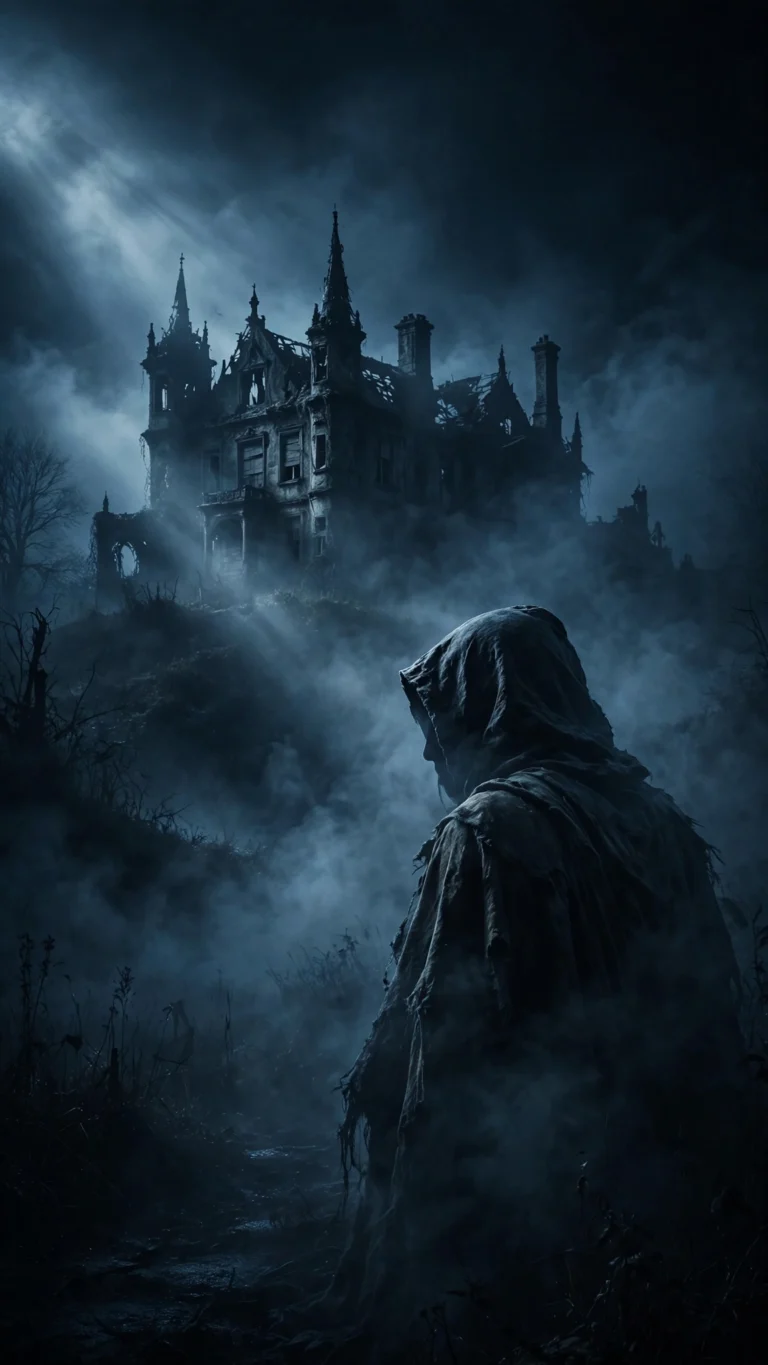 Aesthetic
Horror Cinematic Midnight
Chilling cinematic midnight scene. Eerie fog, dramatic light, movie-poster mood.
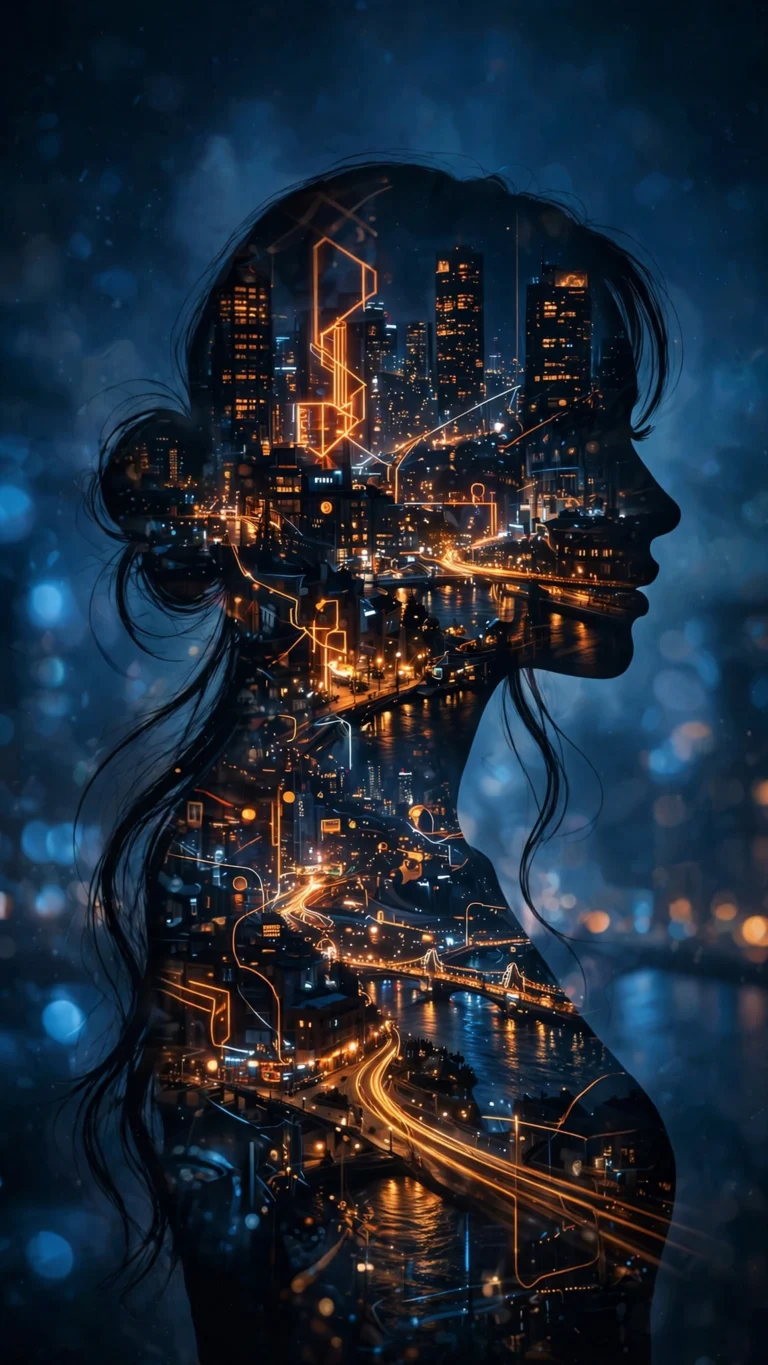 Aesthetic
Double Exposure City Nights
Double exposure portrait blended with city nights. Artistic and striking.
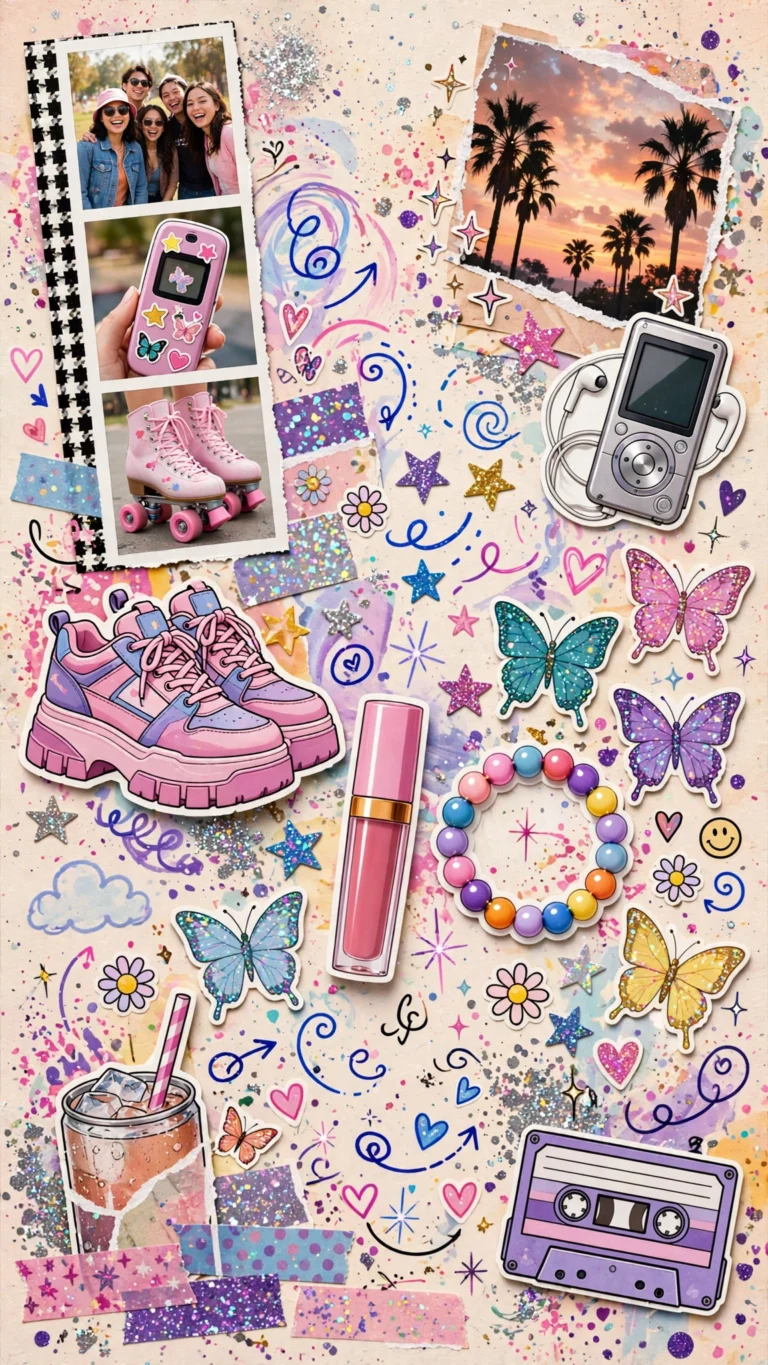 Aesthetic
Y2K Scrapbook Collage
Y2K scrapbook collage with retro stickers and playful cutouts. Pure nostalgia.
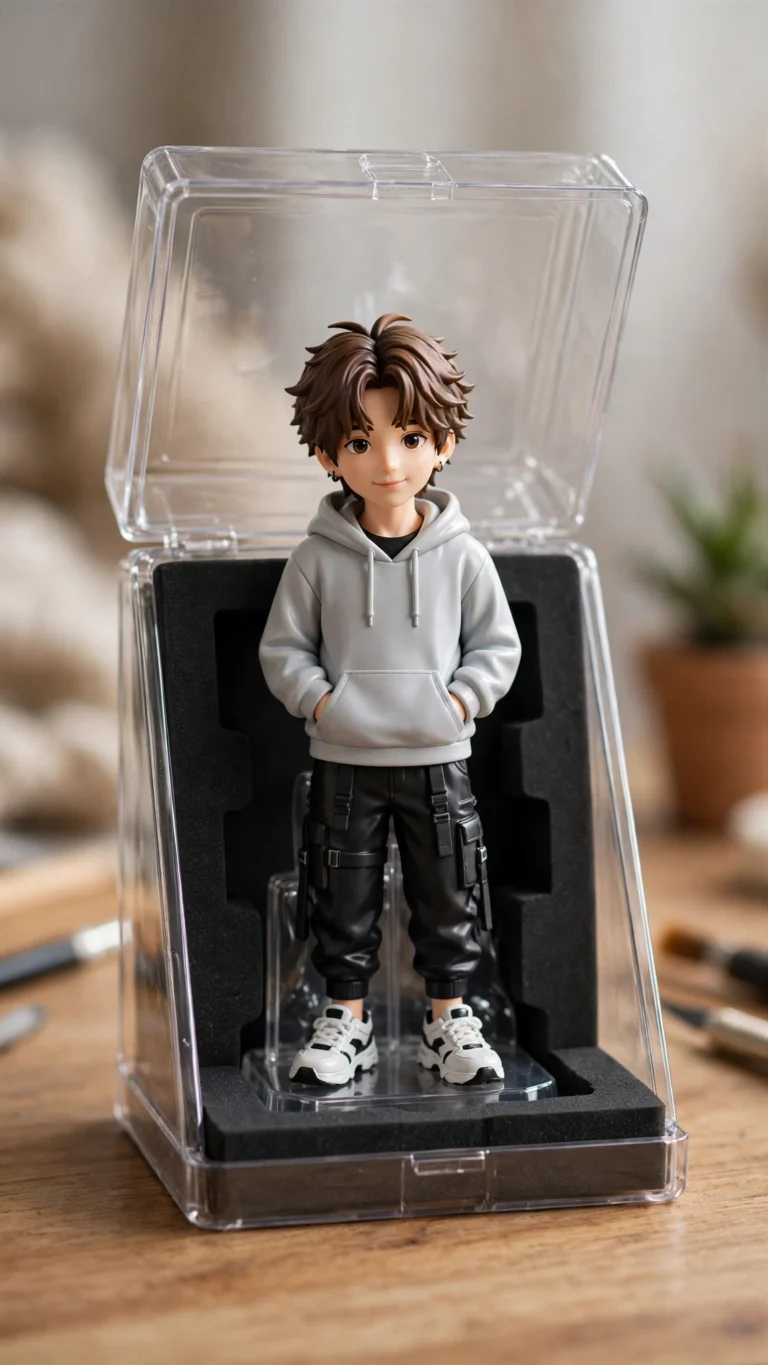 Aesthetic
3D Figurine Collector Trend
Viral 1/7 scale collector figurine trend. You as a boxed collectible on a desk.
 Aesthetic
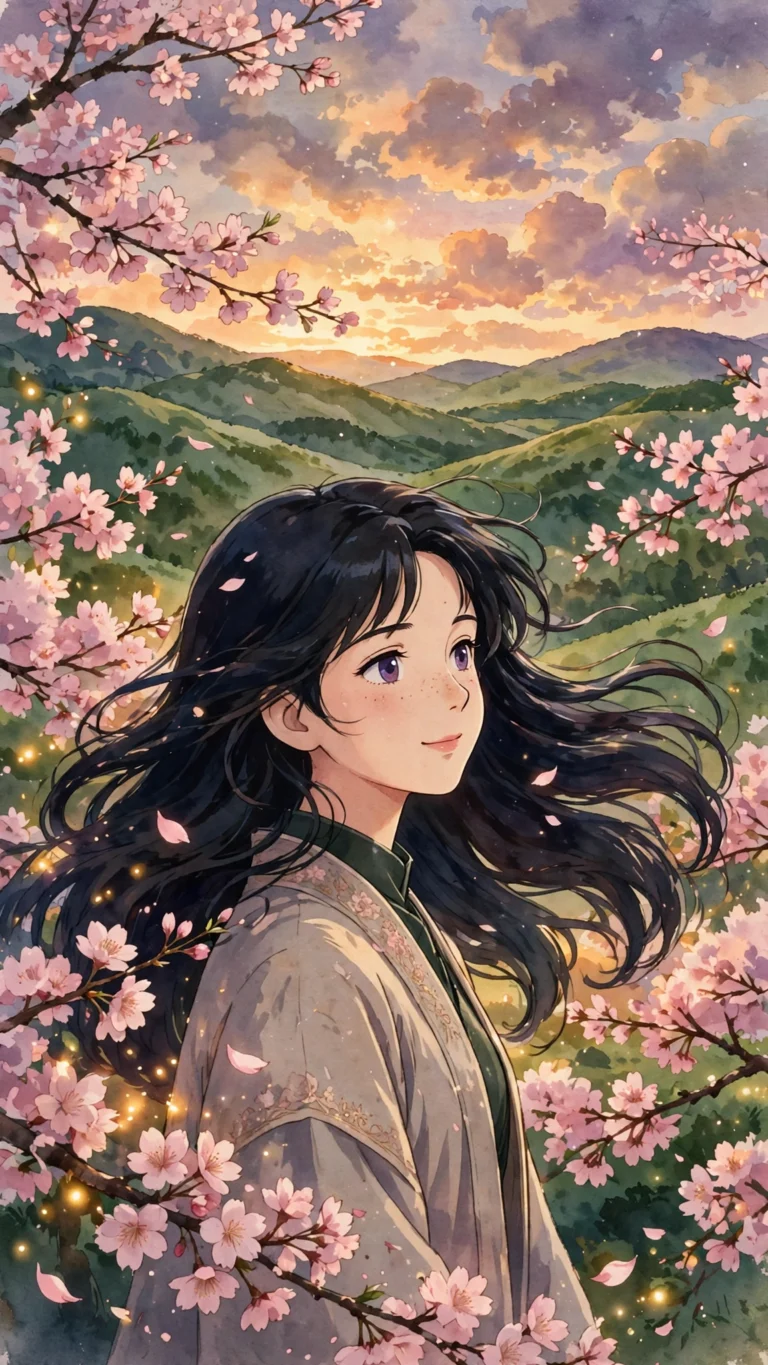
Ghibli Anime Style Portrait
Studio Ghibli-inspired anime style portrait. Soft, hand-painted, magical.
 Festival
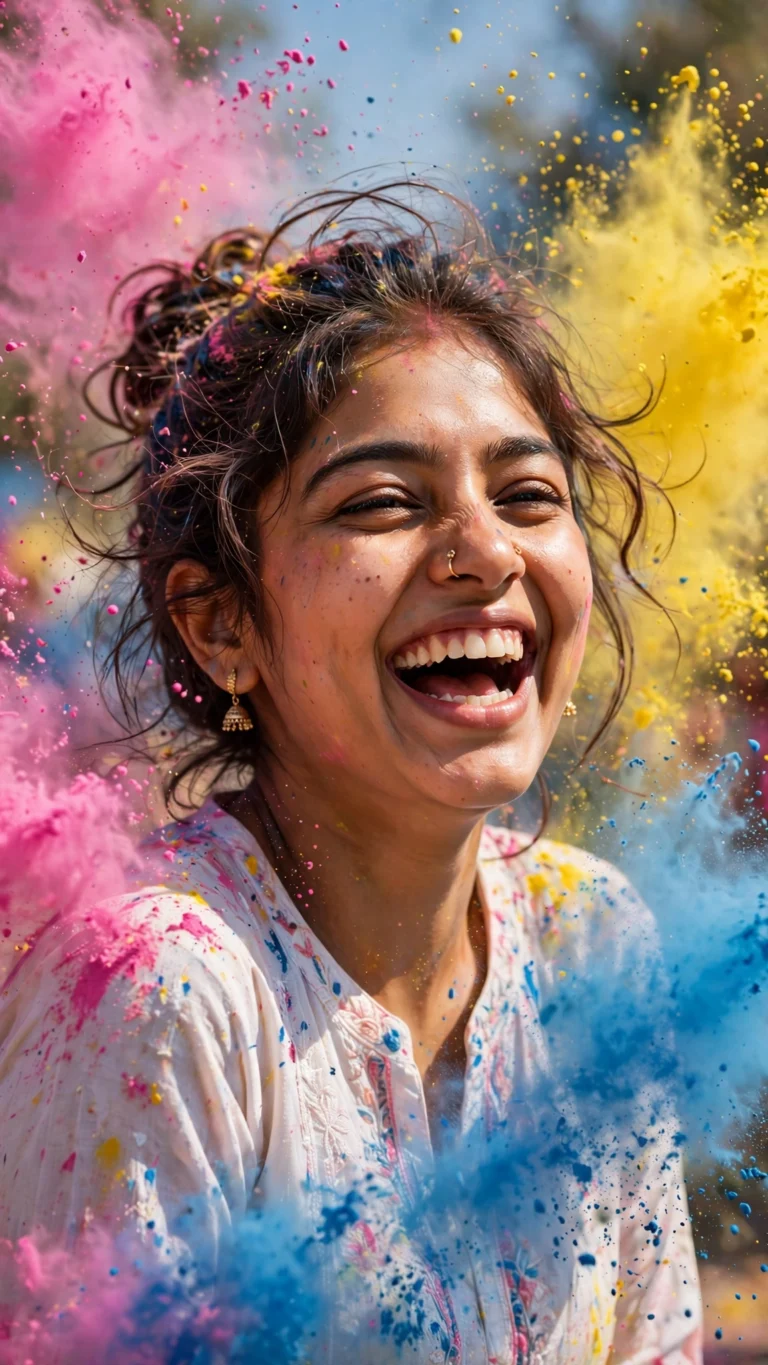
Holi Colors Celebration
Joyful Holi celebration with vibrant colors in the air. Full festive energy.
 Festival
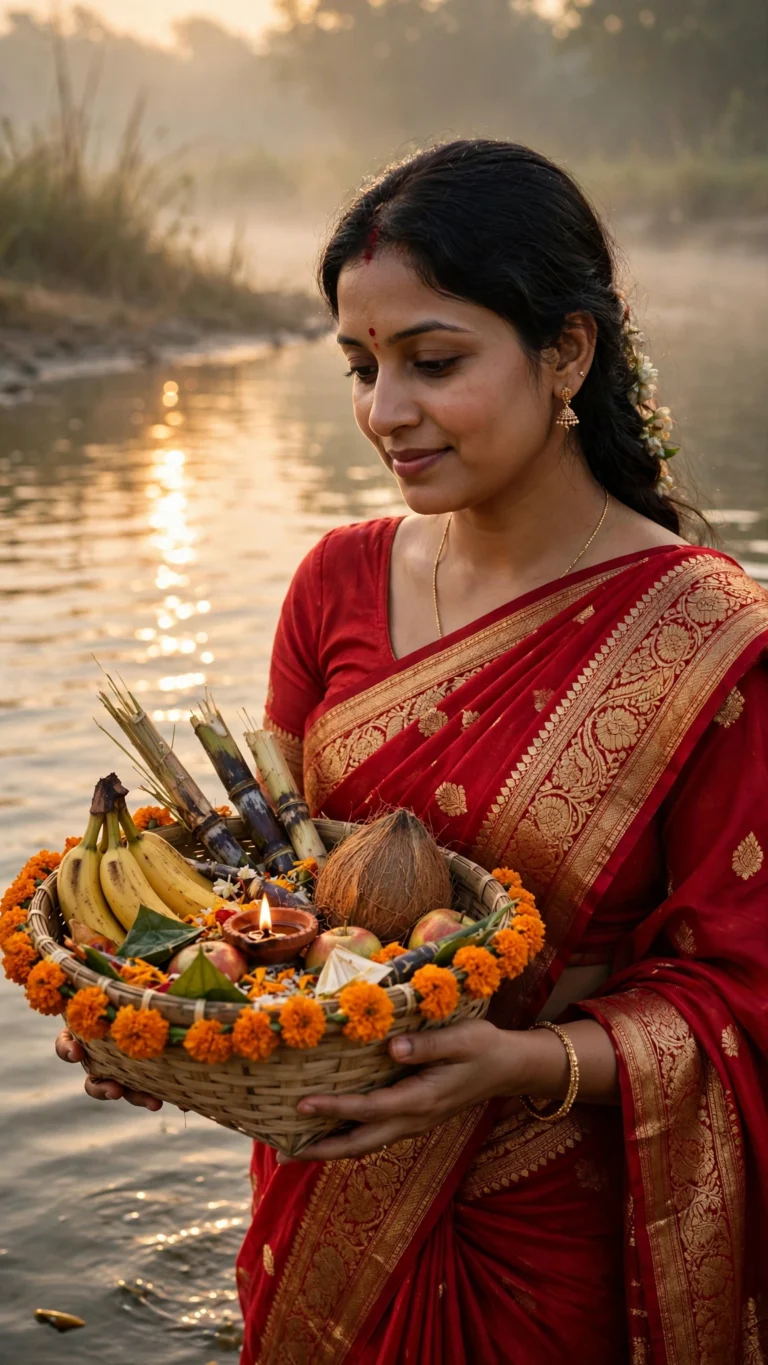
Chhath Puja Sunrise Saree
 Festival
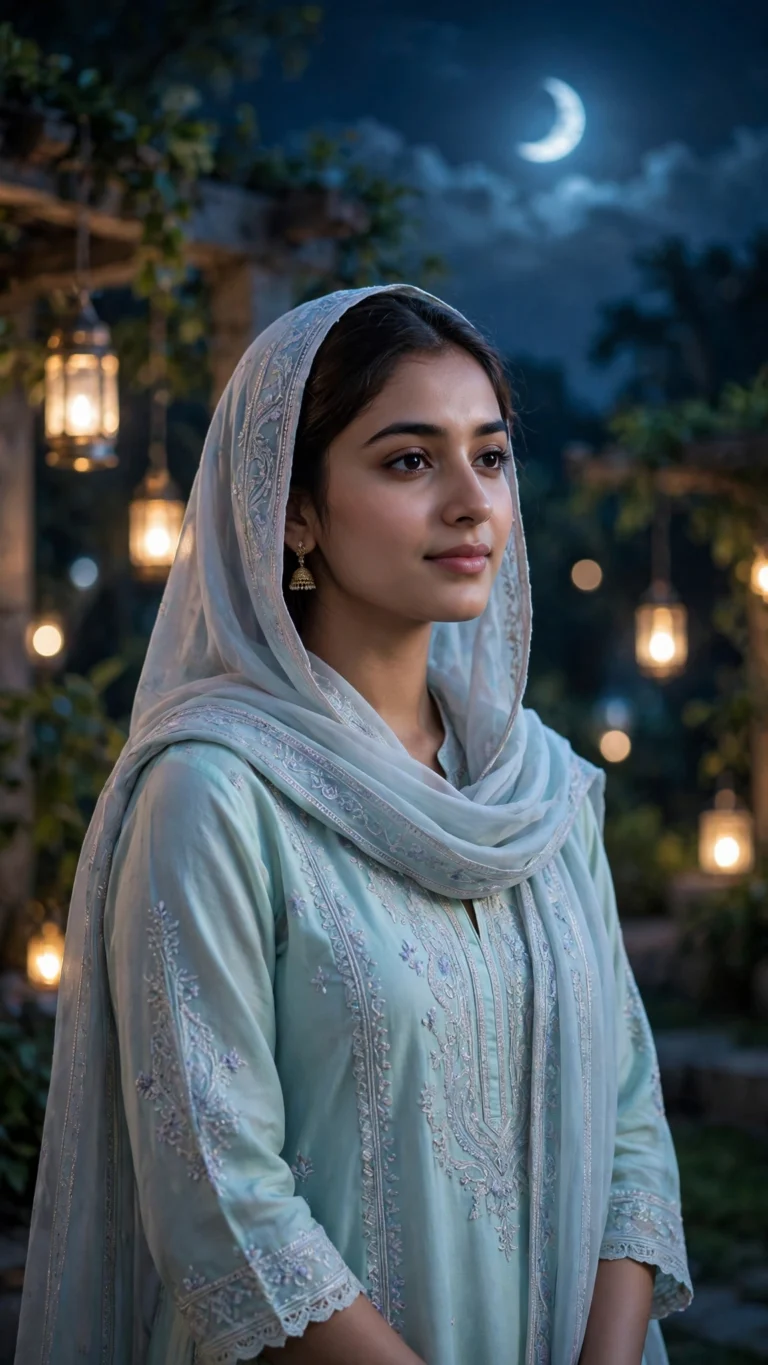
Eid Moonlit Portrait
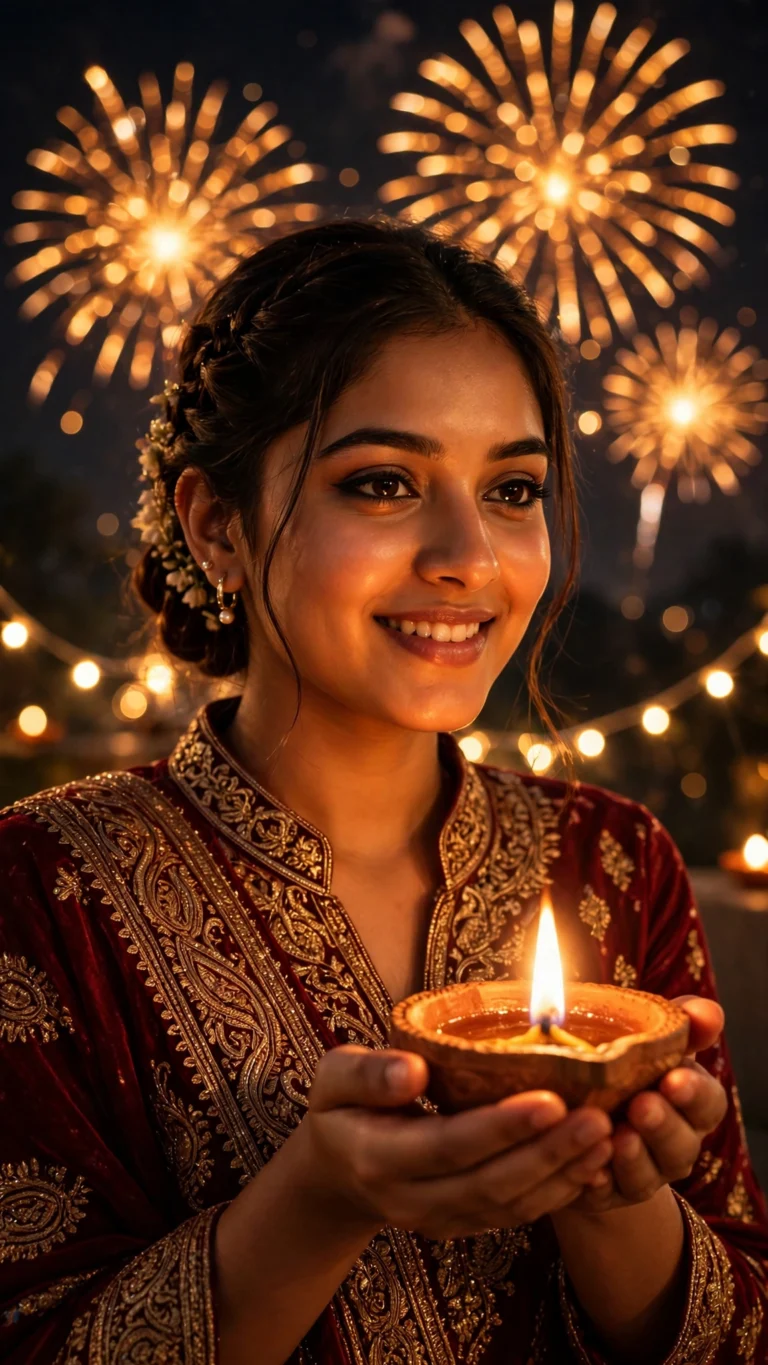 Festival
Diwali Fireworks Portrait
 Couple
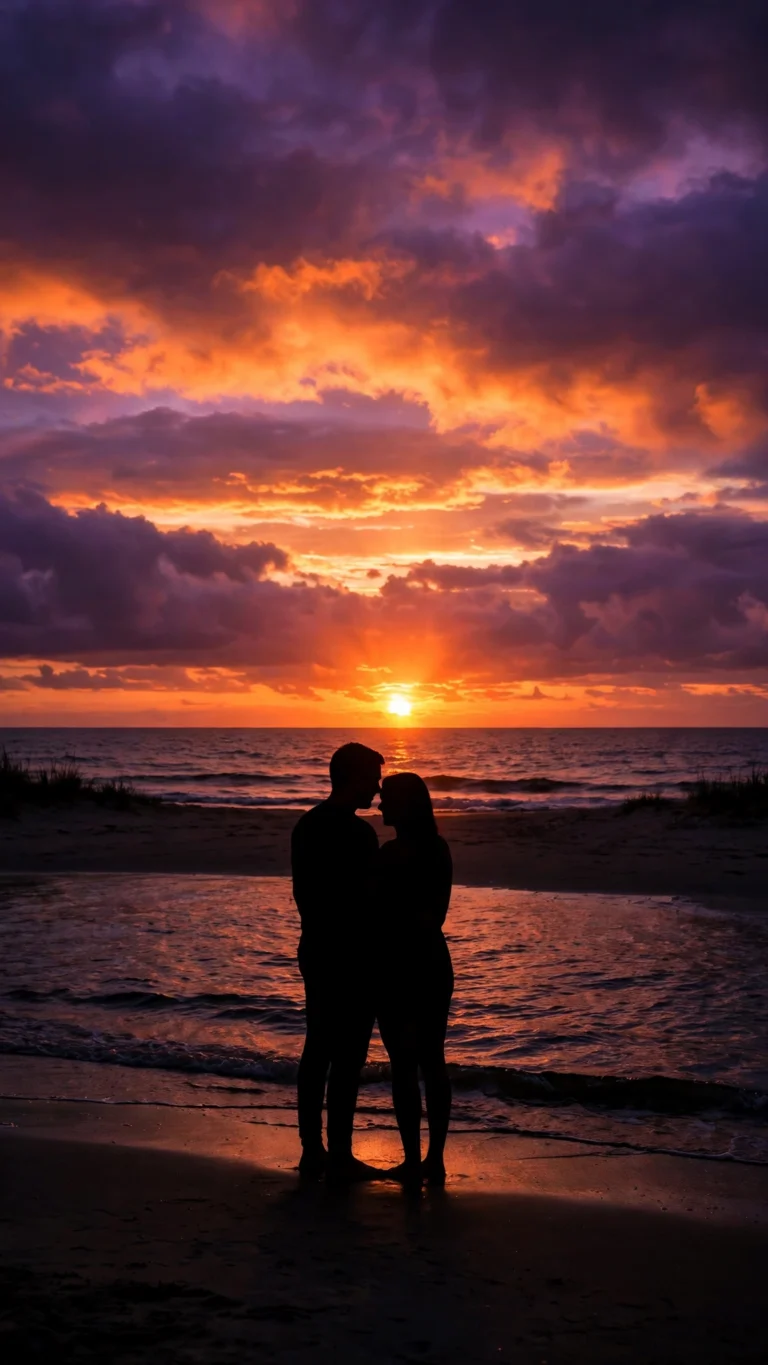
Beach Sunset Silhouette Couple
Dreamy beach sunset silhouette. Minimal, emotional, beautifully simple.
 Couple
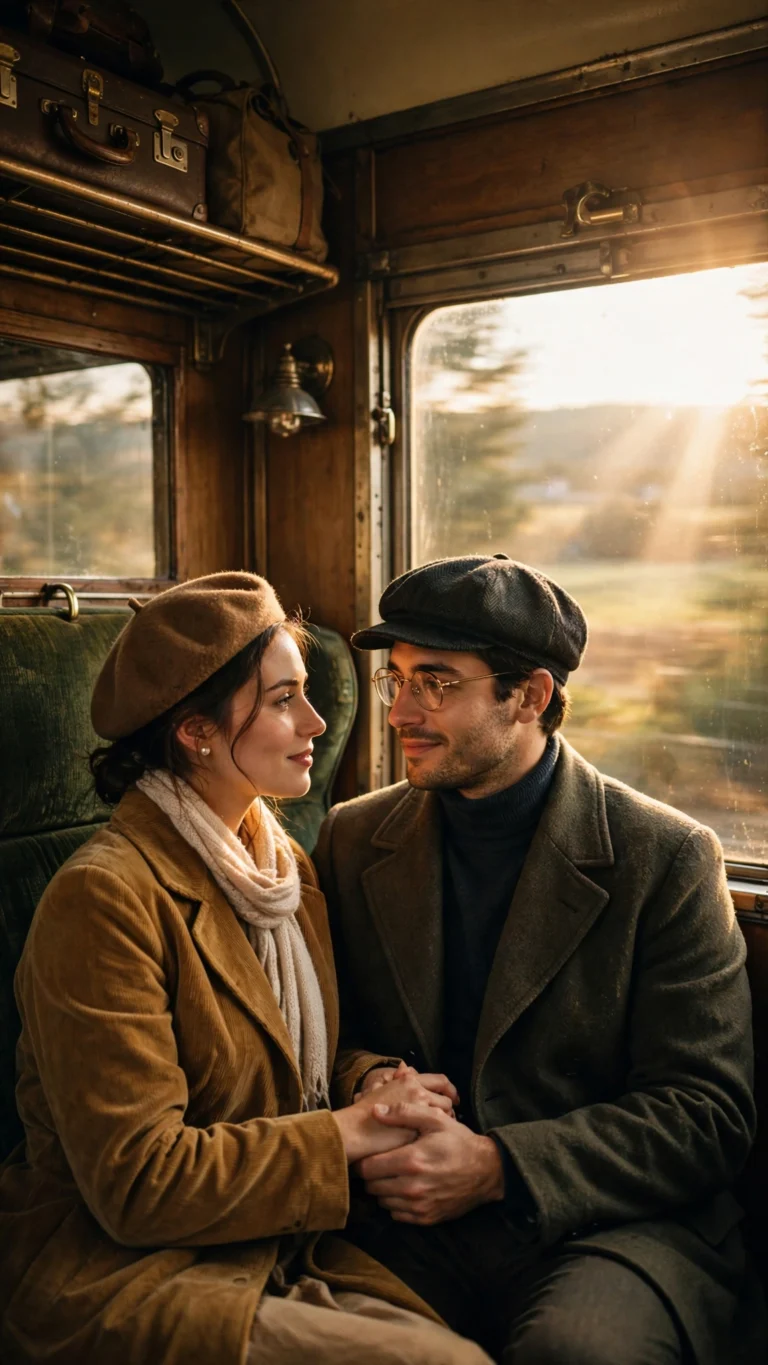
Vintage Train Journey Couple
Vintage train journey scene. Nostalgic romance, cinematic windows and motion.
 Couple
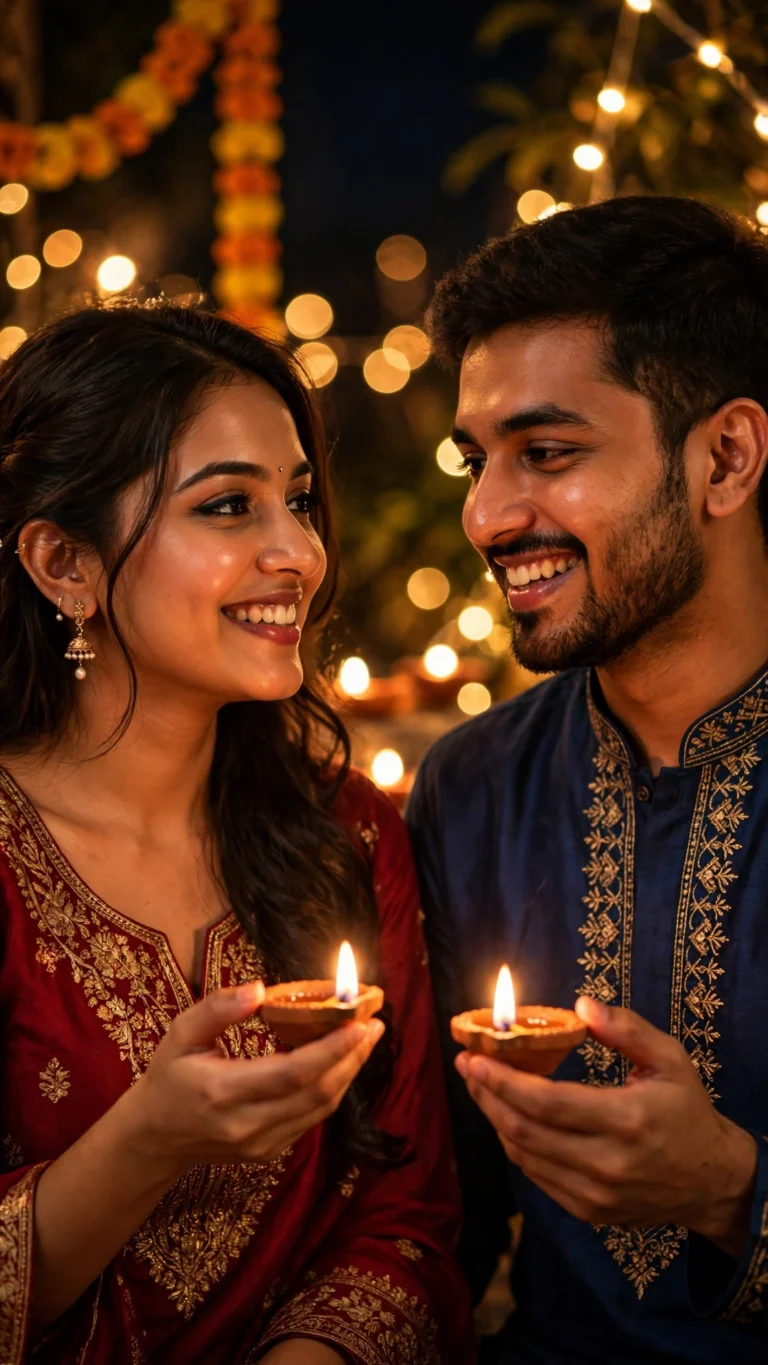
Diwali Diya Couple Portrait
Festive diwali portrait with diyas in hand. Warm fairy lights, celebration glow.
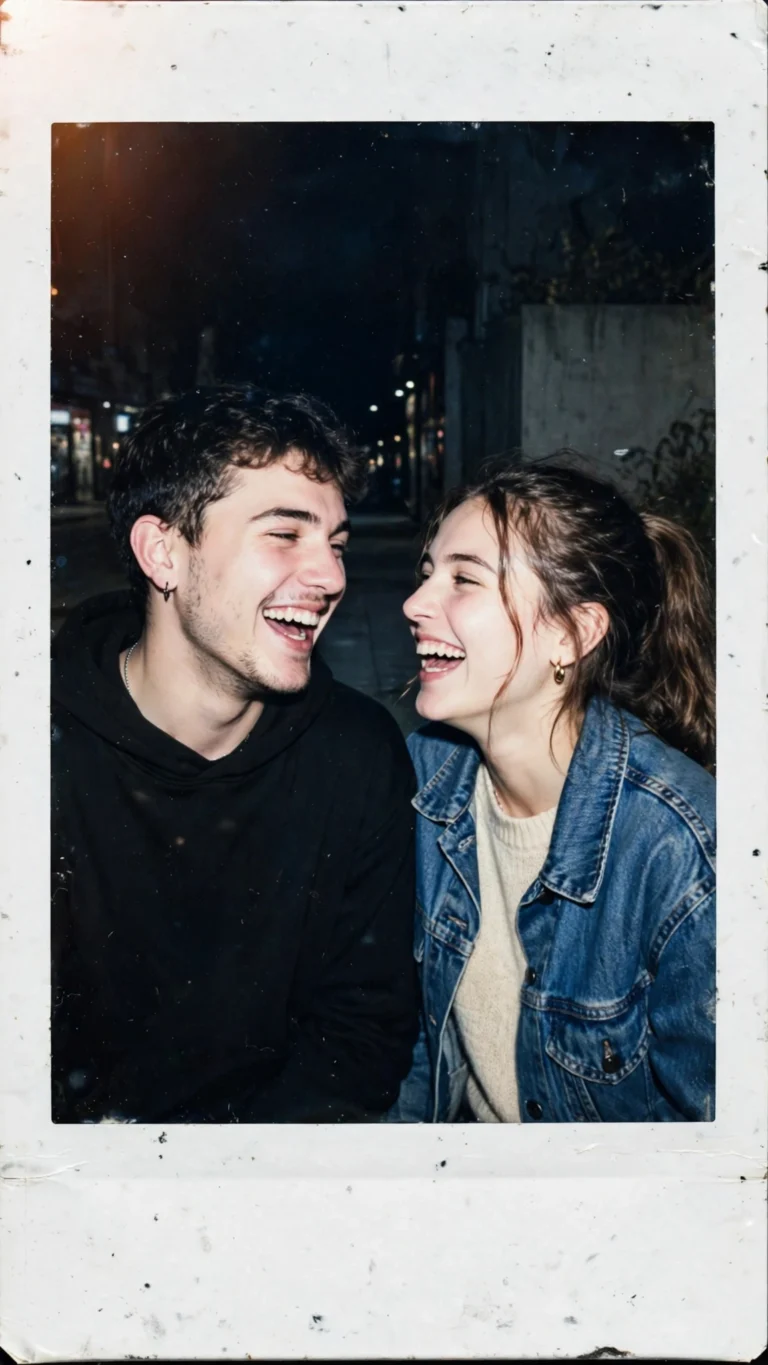 Couple
Polaroid Couple Snapshot
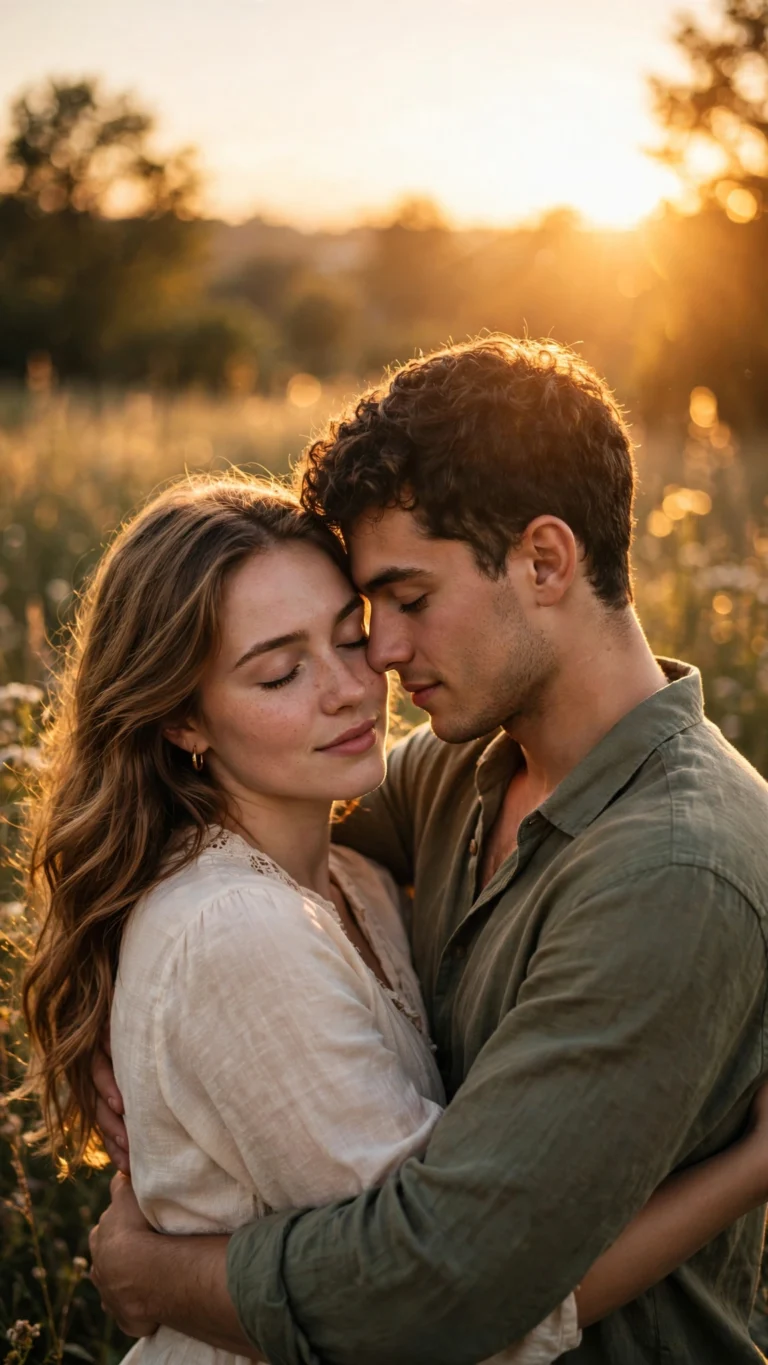 Couple
Romantic Golden Hour Couple
Romantic couple portrait in golden-hour light. Warm, intimate, timeless.
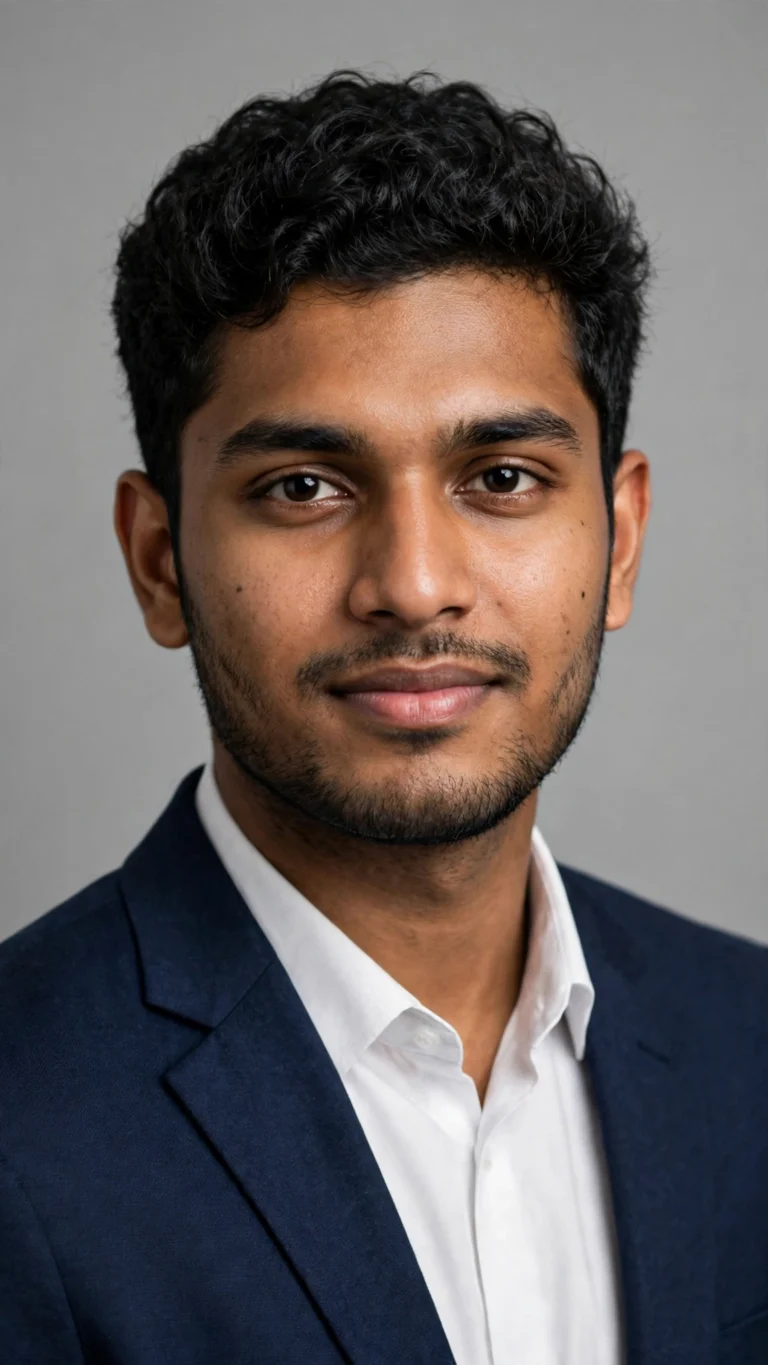 Boys
Corporate Studio Headshot
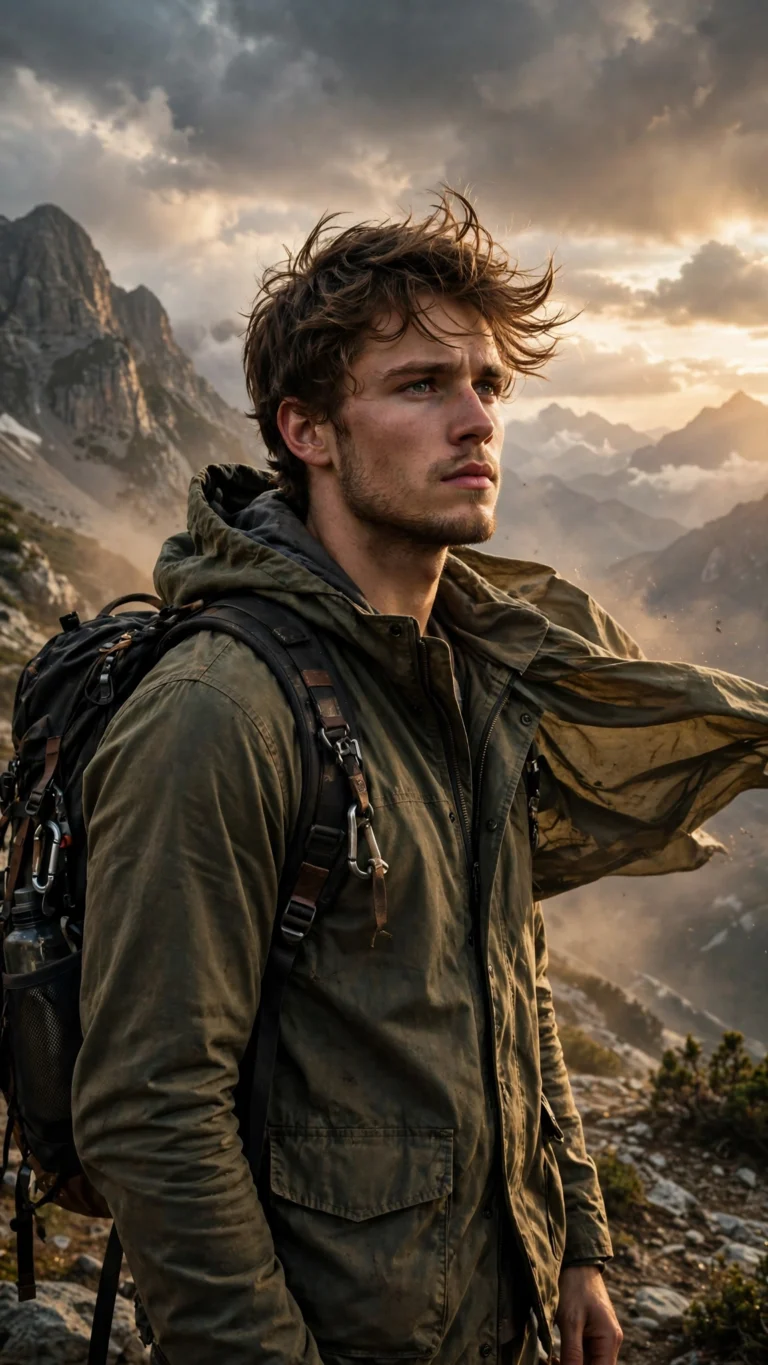 Boys
Rugged Mountain Traveler
Rugged traveler portrait in the mountains. Dusty golden light, dramatic sky, adventure mood.
 Boys
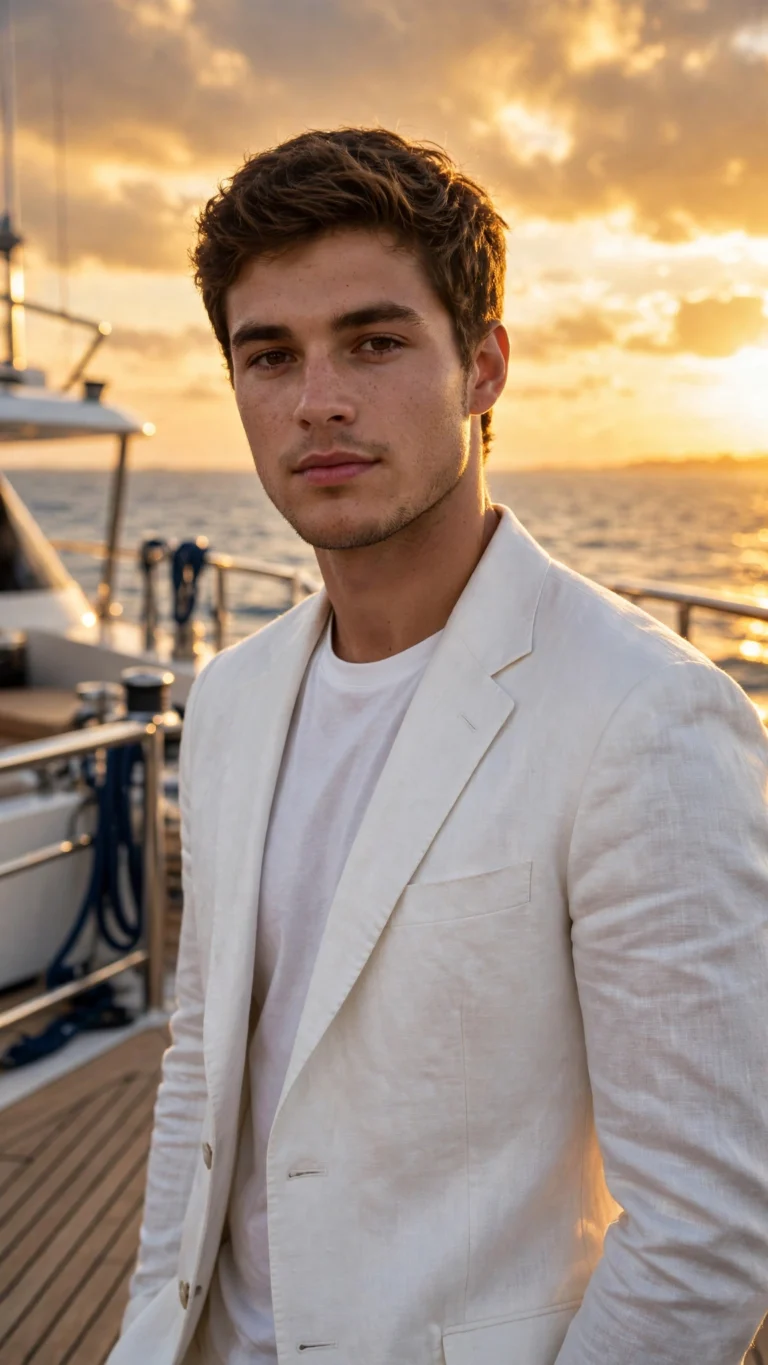
Luxury Yacht Golden Hour
Luxury yacht portrait at sunset. Editorial richness, warm light, sharp textures.
 Boys
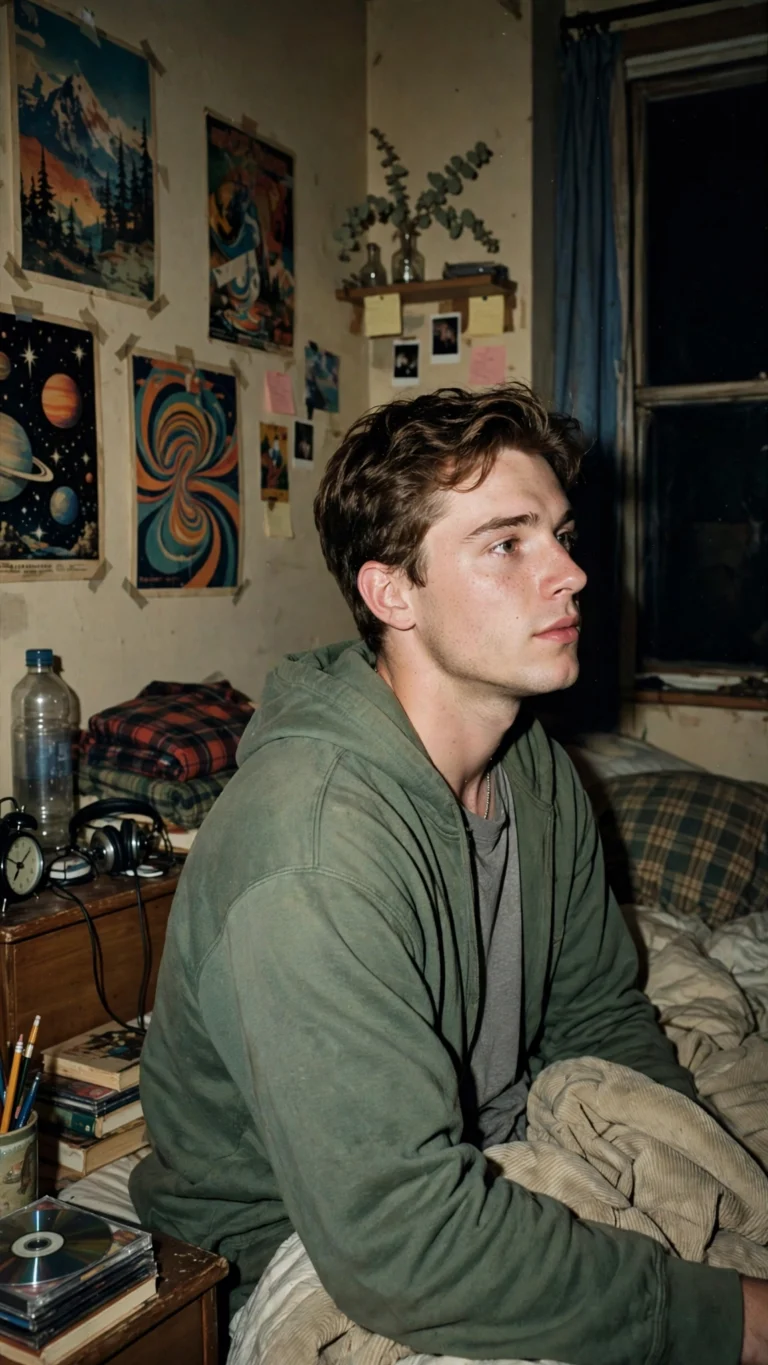
90s Flash Bedroom Portrait
90s flash bedroom portrait with retro film vibes. Nostalgic and effortlessly cool.
 Boys
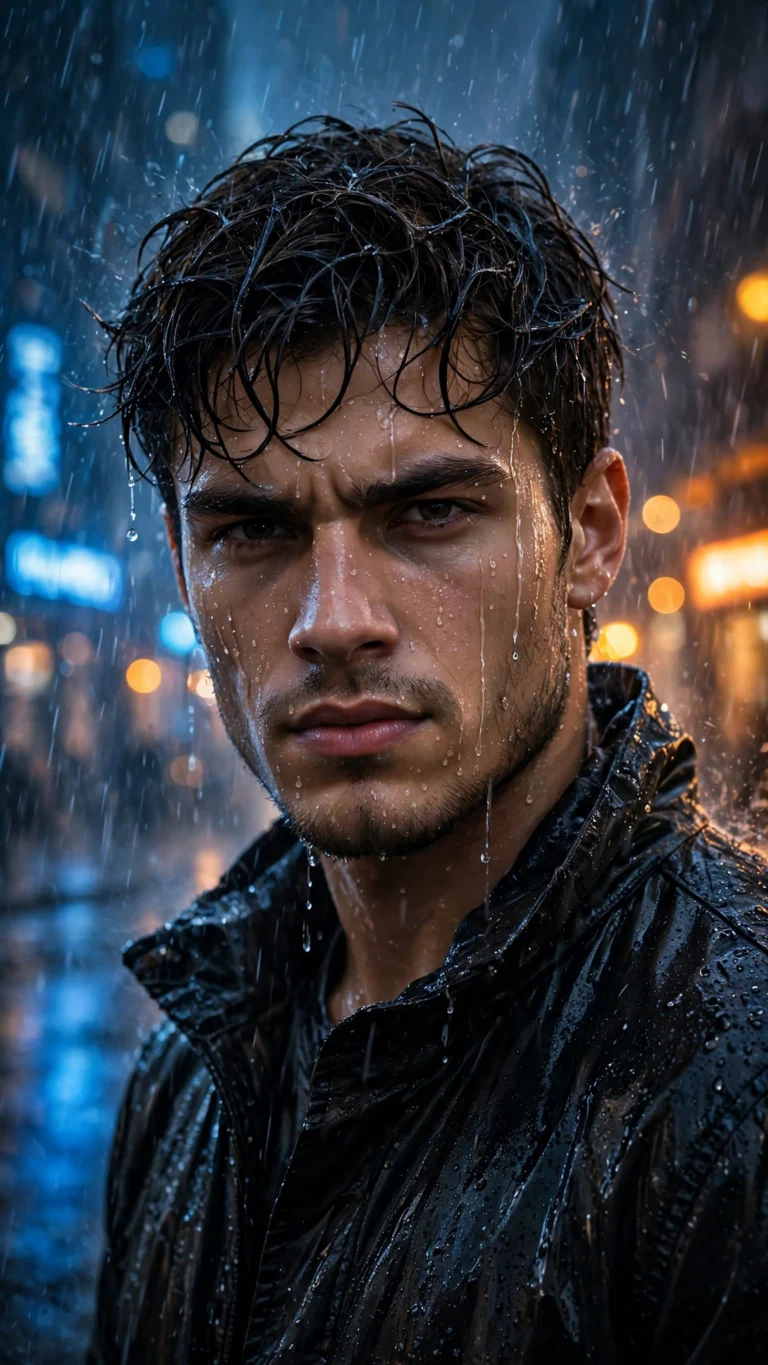
Attitude Boy Rain Portrait
Rain-soaked cinematic portrait with moody lighting. Intense attitude-boy energy.
 Boys
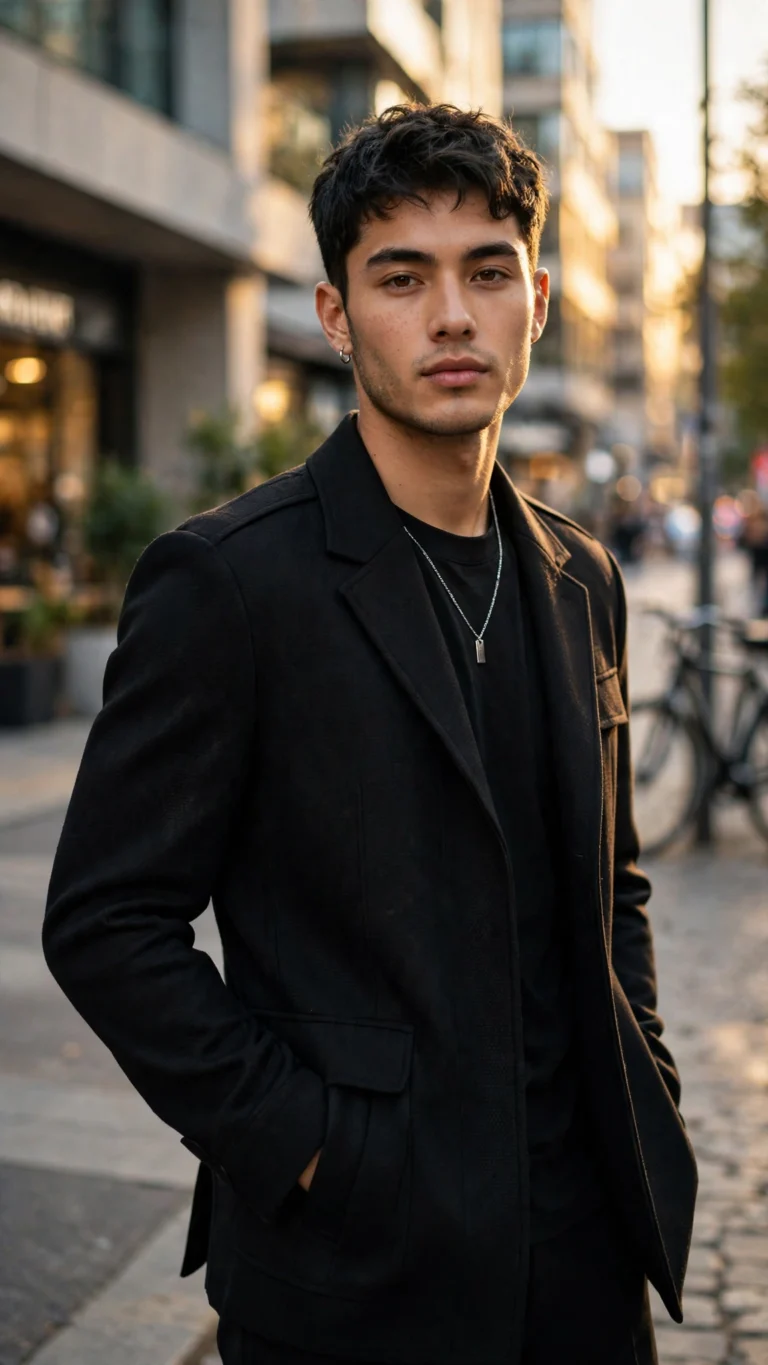
Cinematic Street Style
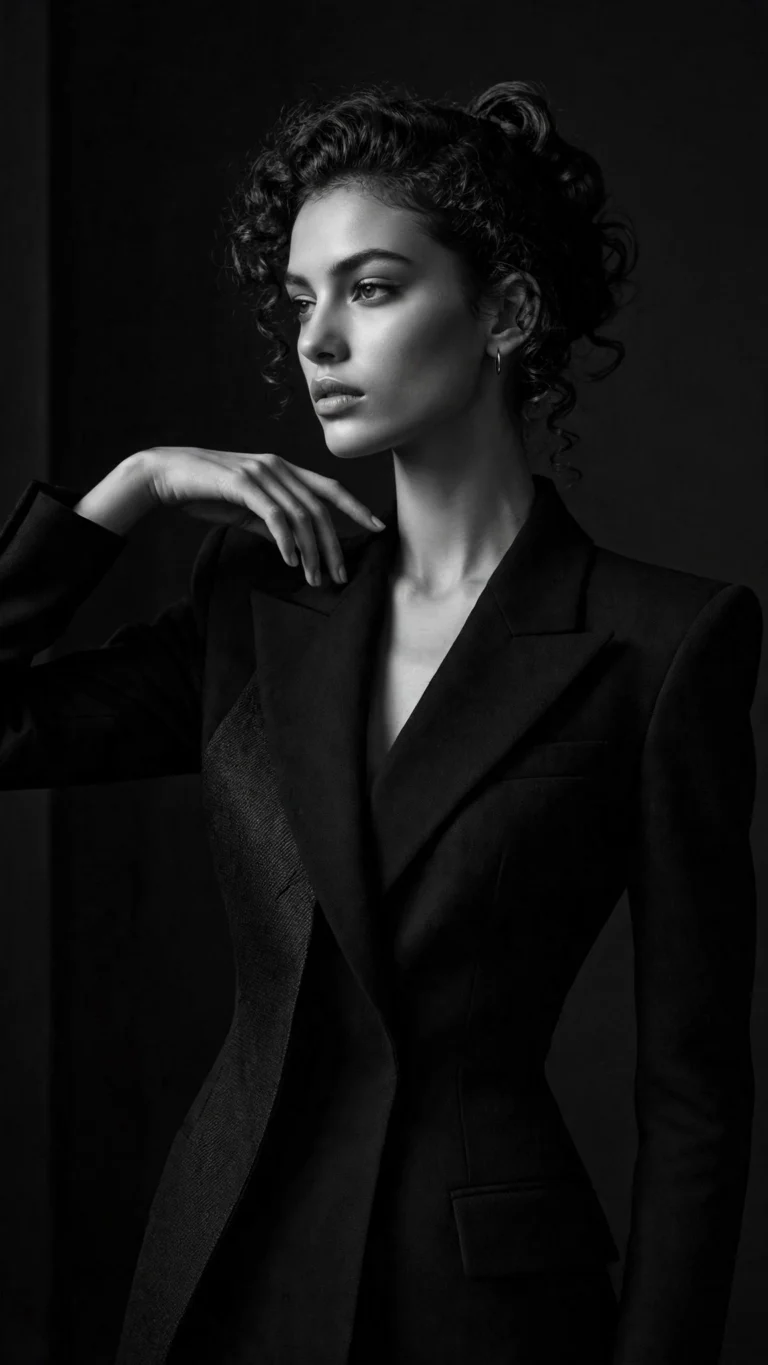 Girls
Monochrome Fashion Editorial
High-fashion black and white editorial portrait. Bold, minimal, magazine-cover energy.
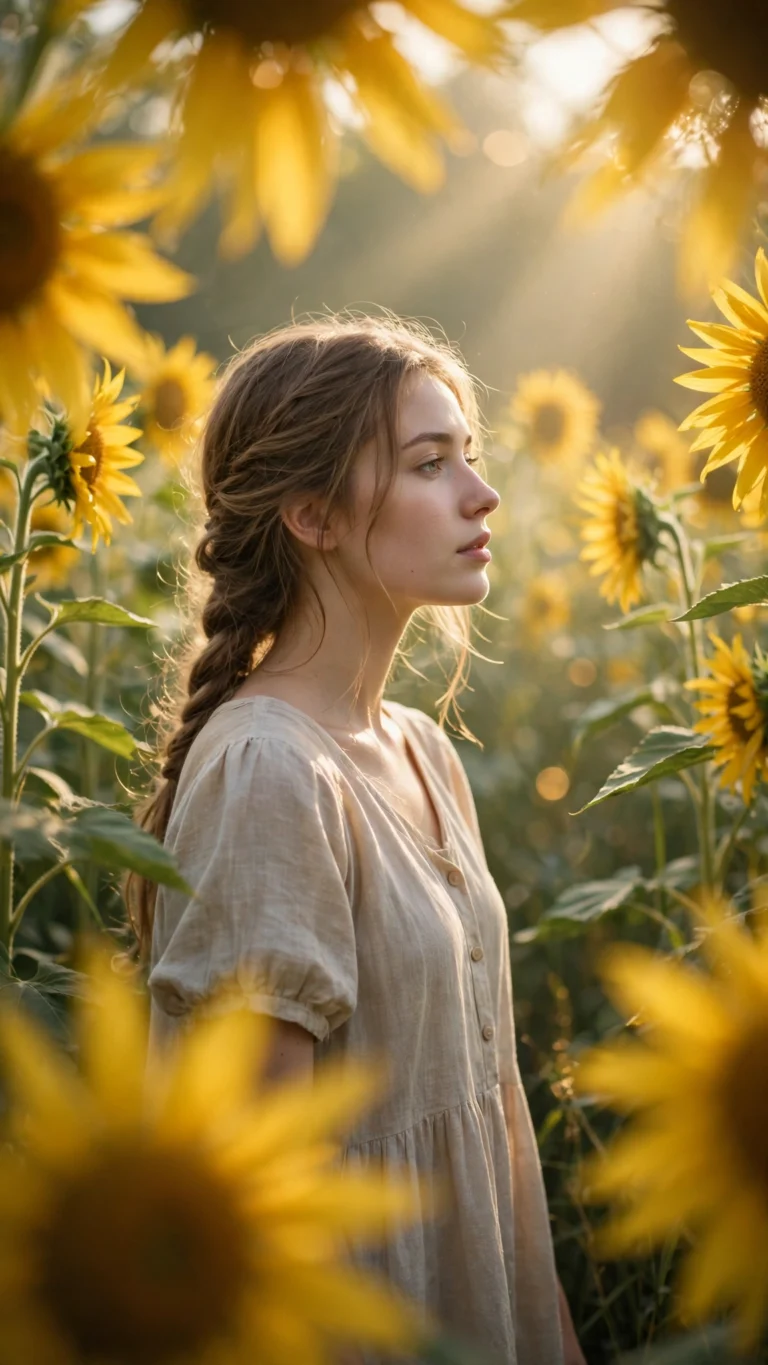 Girls
Sunflower Garden Dreamy Look
Dreamy sunflower garden portrait with soft sunlight and a fresh summer glow.
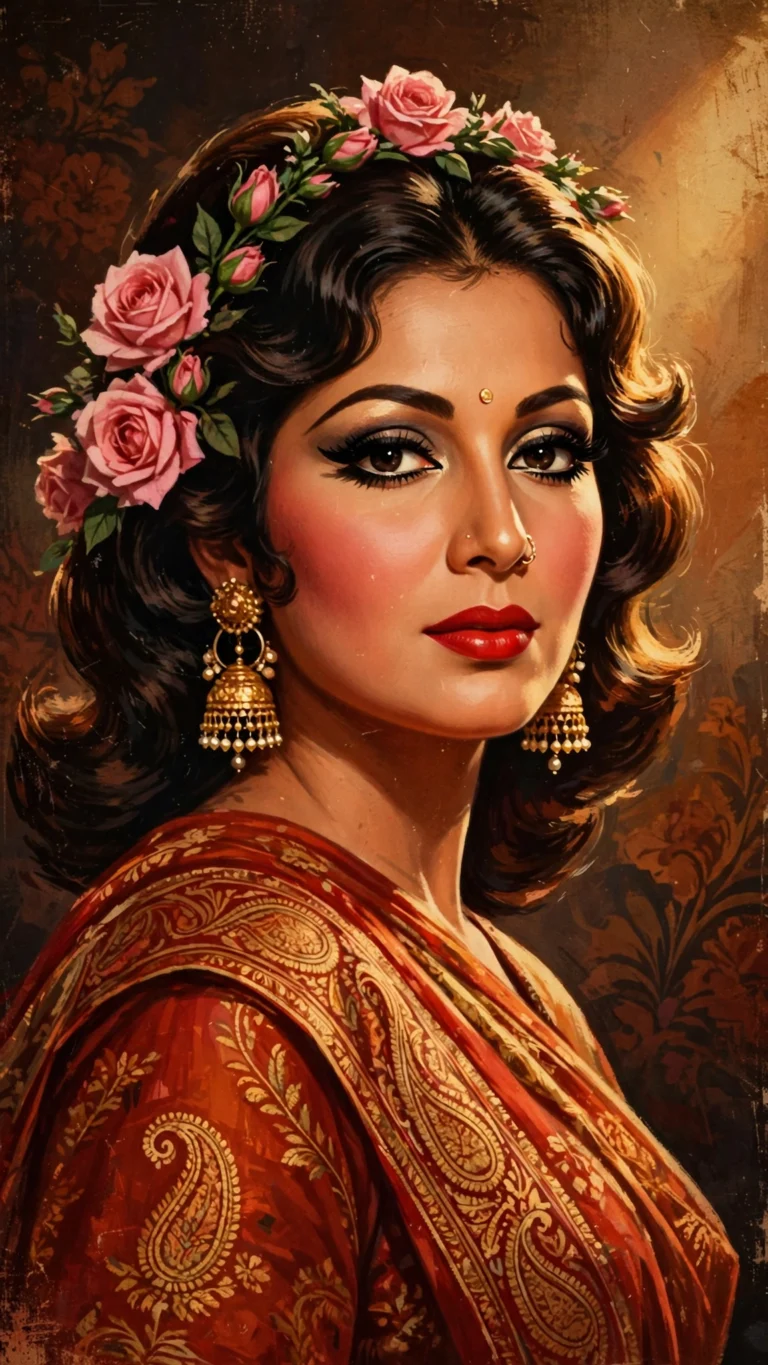 Girls
Retro Bollywood 70s Poster
1970s retro Bollywood movie-poster look with vintage saree, roses and bold glamour.
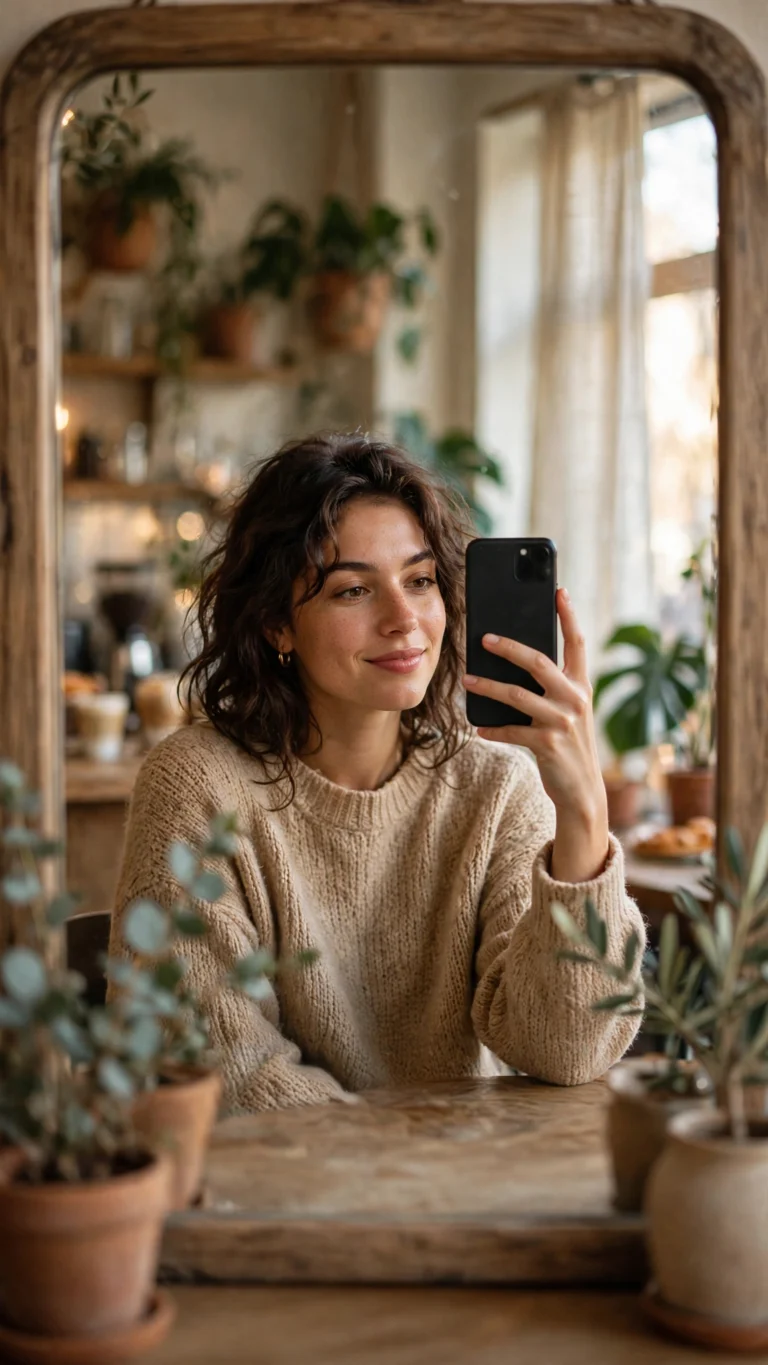 Girls
Aesthetic Cafe Mirror Selfie
Trendy cafe mirror selfie with soft daylight and an aesthetic, Instagram-ready vibe.
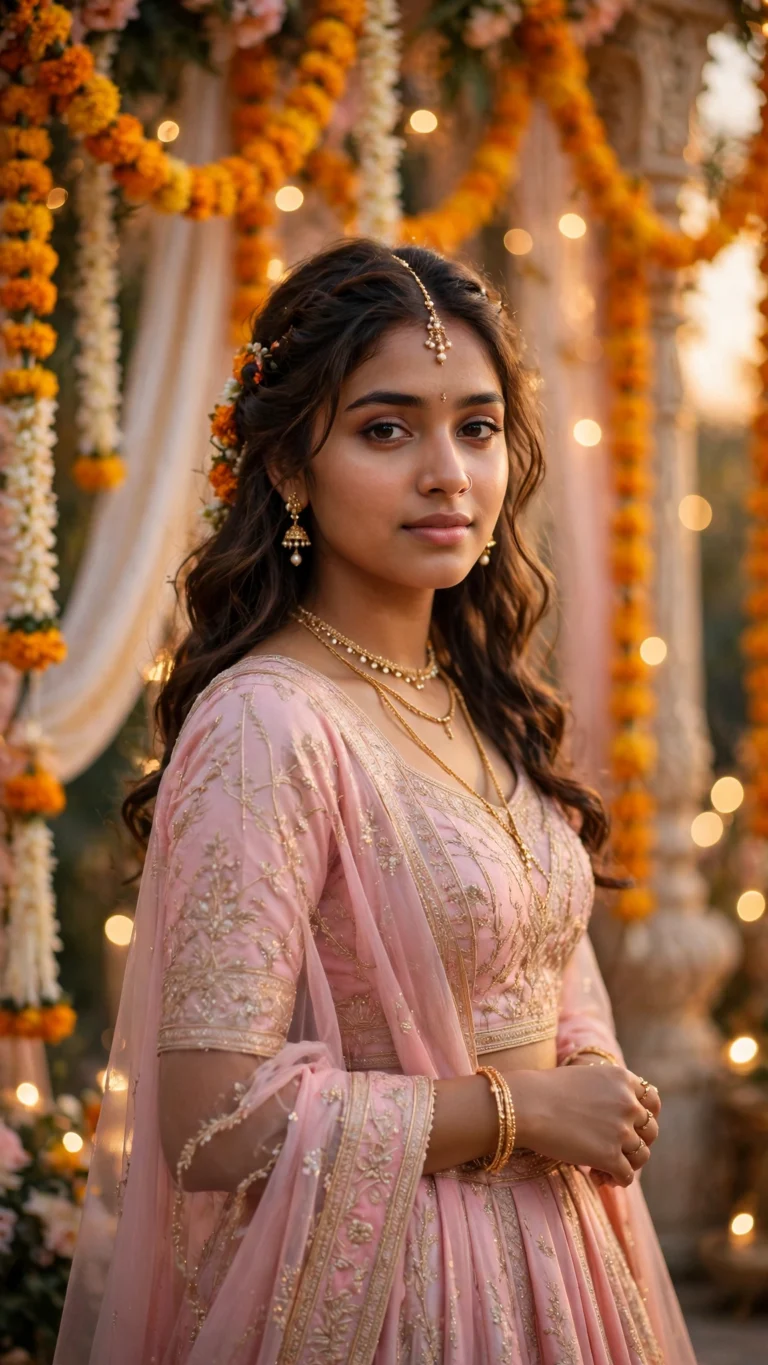 Girls
Pink Lehenga Wedding Look
Pastel pink lehenga with delicate jewelry and a festive wedding backdrop. Regal and dreamy.
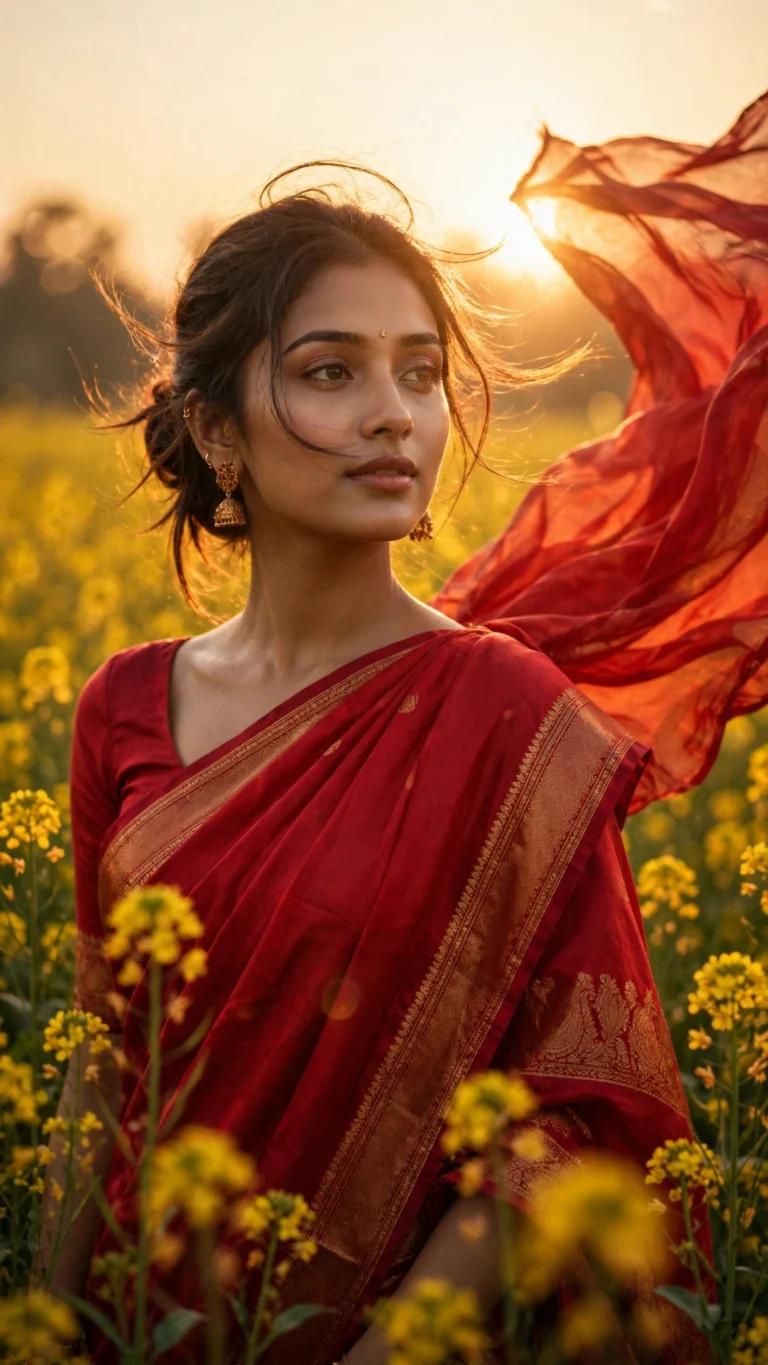 Girls
Golden Hour Saree Portrait
Elegant red silk saree portrait in a mustard flower field at sunset. Warm, cinematic, timeless.
No prompts match your search. Try another keyword.
Pre-timed transitions and text presets — just drop in your own clips.
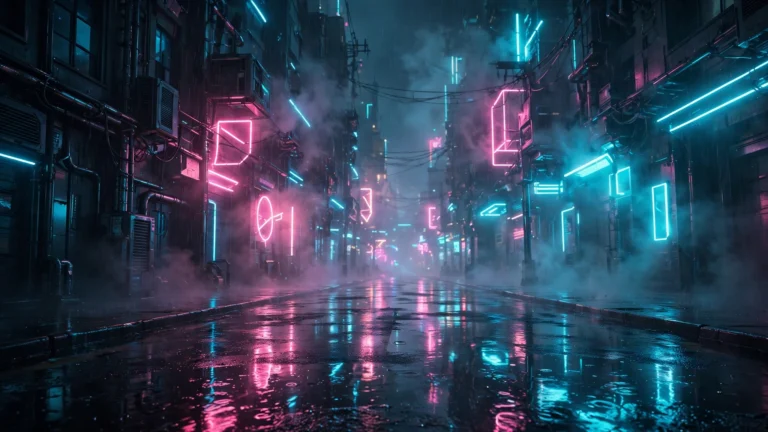 VN
Neon Street Beat Sync
Neon street night edit with hard beat sync and glow effects. Made for urban fashion reels.
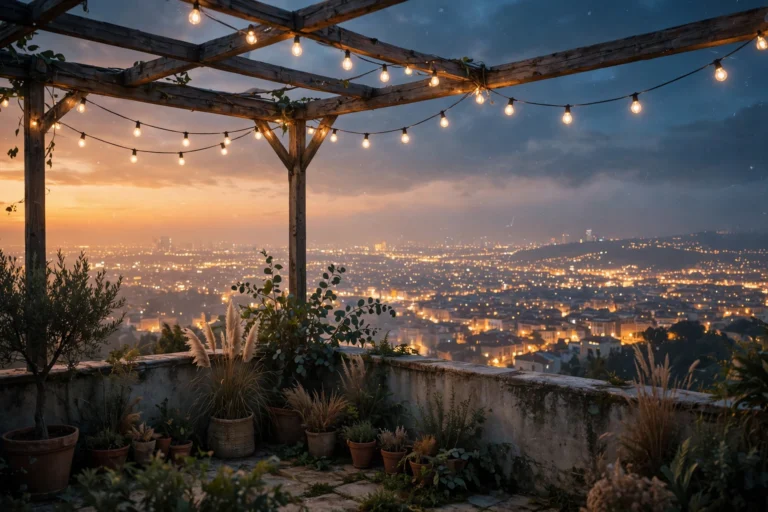 CapCut
Lofi Dusk Rooftop Fade
Dreamy lofi dusk rooftop edit with soft fades and film grain. Perfect for aesthetic reels.
 VN
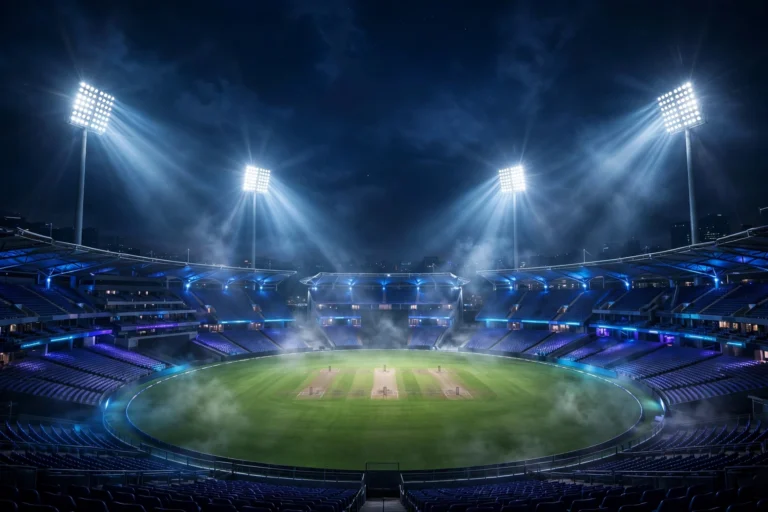
Cricket Stadium Beat Cut
High-energy stadium beat cut with flash transitions. Built for cricket edits and fan videos.
 CapCut
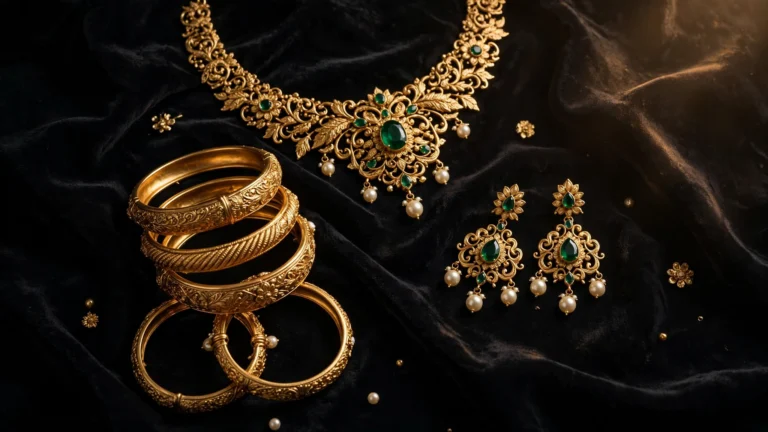
Royal Jewelry Aesthetic Edit
Royal-jewelry portrait edit with elegant transitions and slow zooms. Polished, premium look.
Learn how to get the best results from AI photo tools.
 Guide
What Is Nano Banana? Gemini’s AI Photo Editor Explained
Nano Banana is the AI image model inside Gemini. Learn what it is, how to access it, what…
 Guide
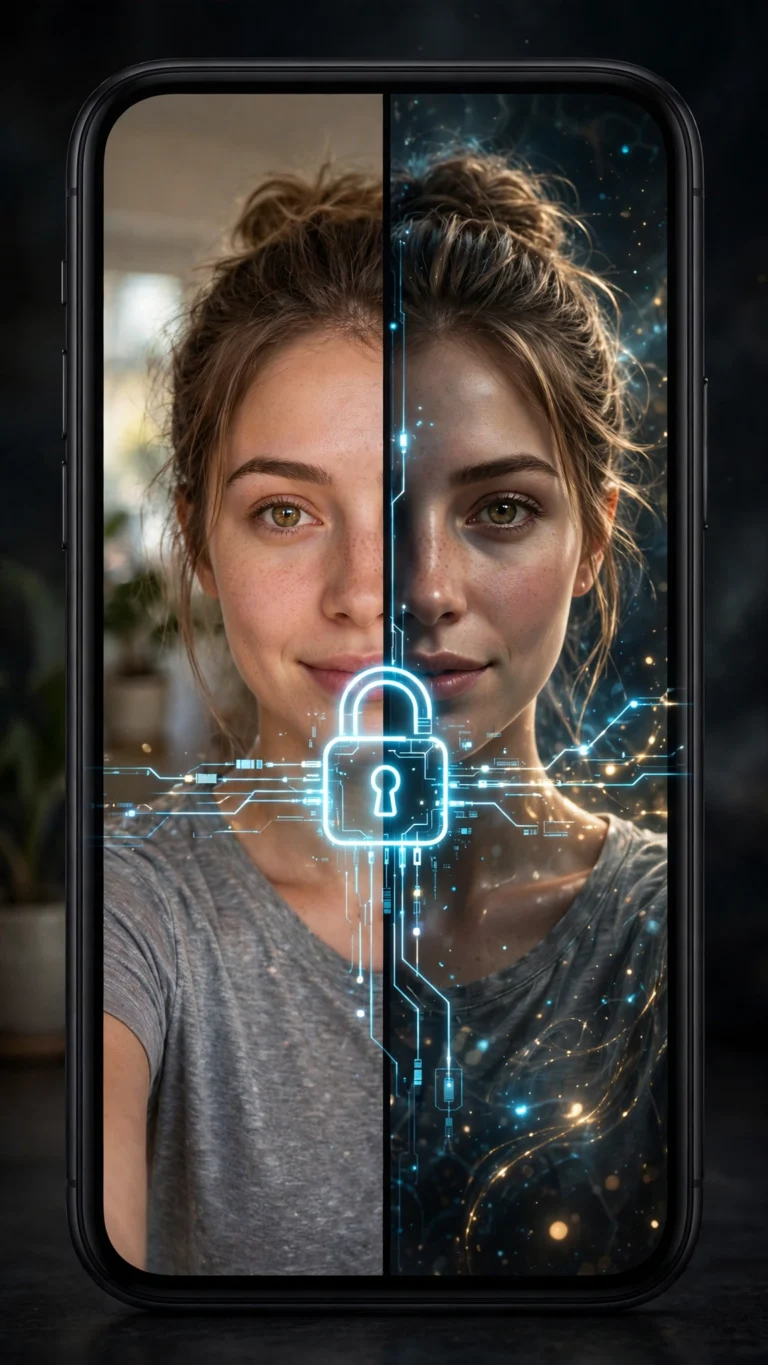
How to Keep Your Face the Same in AI Photos: Face-Lock Guide
Tired of AI changing your face? Learn the face-lock prompt technique, source-photo tips, and fixes for when your…
 Guide
ChatGPT vs Gemini for AI Photo Prompts (2026): Which Is Better?
ChatGPT or Gemini for AI photo prompts? Compare image quality, face preservation, free limits and speed — plus…
PromptSeen is a free library of copy-paste AI photo prompts built for how people actually create: on their phones, in seconds, for Instagram, TikTok and WhatsApp.
Every prompt is written and tested on ChatGPT and Google Gemini before it is published. Most styles are identity-preserving — you attach one clear photo of your face, and the prompt restyles everything around it while keeping you recognizable.
From picking a style to sharing the result — in four quick steps.
Search or scroll until a style matches what you are after.
One tap saves the prompt to your clipboard, ready to paste.
Drop it into ChatGPT's image mode or Gemini with your photo attached.
Keep the result, then send the prompt to a friend.
What makes this library different from a random prompt dump.
Nothing sits behind a login. No email forms, no paywalls.
New prompts are added when styles trend on Instagram and TikTok.
Written so the wording holds up across ChatGPT, Gemini and more.
Copies cleanly on mobile — where most people paste it.
What people ask about AI photo prompts.
An AI photo prompt is a written instruction you give to a tool like ChatGPT or Gemini. For photos, it describes what you want: the style, lighting, pose, background and mood. The more specific the prompt, the closer the result is to what you imagined.
Pick a style you like, tap the copy button, then open ChatGPT's image mode or Gemini. Attach one clear photo of your face, paste the prompt, and send. If the result is slightly off, change one detail at a time, like the lighting or background.
Yes. Every prompt on PromptSeen is 100% free to copy and use. There is no account, no sign-up and no paywall.
No. Nothing on PromptSeen sits behind a login, so you can copy what you need and go.
Every prompt is written and tested for ChatGPT and Google Gemini first. The same wording usually carries over to most other image-capable AI tools.
Most styles here are identity-preserving. You attach one clear photo of your face, and the prompt changes the styling around it while keeping your features recognizable.
Making AI photos is generally safe if you are careful about what you upload. Use only photos you are comfortable sharing with the AI tool, check its privacy settings, and never upload ID cards or private documents.
New styles are added whenever a new AI photo trend goes viral on Instagram and TikTok, so the library stays current with what people are actually posting.