What Is Nano Banana? Gemini’s AI Photo Editor Explained
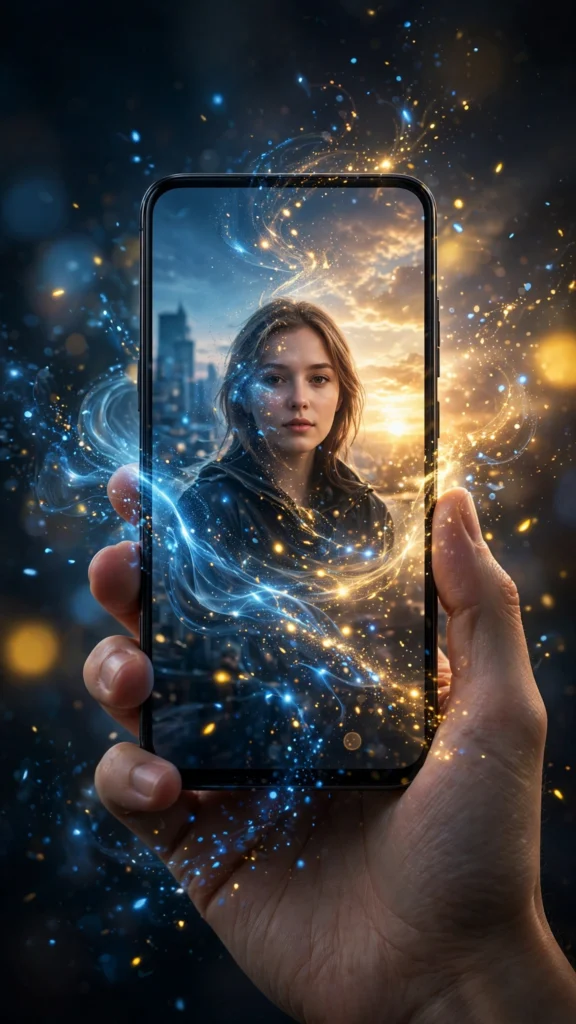
You may have seen the name “Nano Banana” floating around photo-editing communities and wondered what it actually is. Short version: Nano Banana is Google’s native AI image generation and editing model, built into the Gemini app. It is the engine behind the “edit this photo” magic in Gemini — fast, free to try, and unusually good at keeping your face consistent across edits. Here is everything worth knowing.
What exactly is Nano Banana?
Nano Banana is the nickname for Google’s Gemini 2.5 Flash image model — the image-generation brain inside Gemini. Unlike older tools that could only create images from text, it is designed from the ground up for editing real photos: you upload a picture, describe the change in plain words, and it regenerates the image with your edit applied.
Its signature strength is character consistency. Ask it to place you in five different scenes, and your face, hairstyle and overall identity stay recognizably the same across all five — something earlier image models struggled with badly. That is why it became the go-to tool for AI photo prompts so quickly: the whole point of a photo prompt is that the result should still be you.
How to access it
- Open the Gemini app on your phone or visit the Gemini website — Nano Banana is not a separate download.
- Start a new chat and tap the image/attachment button to upload your photo.
- Type your edit instruction in plain language, for example: “Put me in a cozy cafe, warm lighting, aesthetic Instagram style. Keep my face exactly the same.”
- Review the result. Happy? Save it. Not quite? Reply in the same chat with a refinement — iterative edits in one conversation keep your identity locked in.
Availability and free limits change as Google updates the product, so if something looks different from screenshots you have seen, check the current Gemini app — the image features live wherever you can attach a photo in chat.
What it is genuinely good at
- Identity-preserving restyles. The headline feature: same face, new scene, outfit or era. This is where it beats most competitors.
- Multi-step edits in one chat. Change the background, then the lighting, then the outfit — each reply builds on the last without losing who you are.
- Natural-language instructions. You do not need photography jargon. “Make it look like golden hour” works as well as technical lighting terms.
- Speed. Edits typically finish in seconds, which makes experimenting cheap — try five variations of a prompt like our Nano Banana cinematic boys prompt in the time one slow render takes elsewhere.
- Blending elements. Combining your photo with a described scene, outfit or art style in one coherent image.
Prompt patterns that work well
Nano Banana responds best to clear, structured instructions. Three patterns cover most use cases:
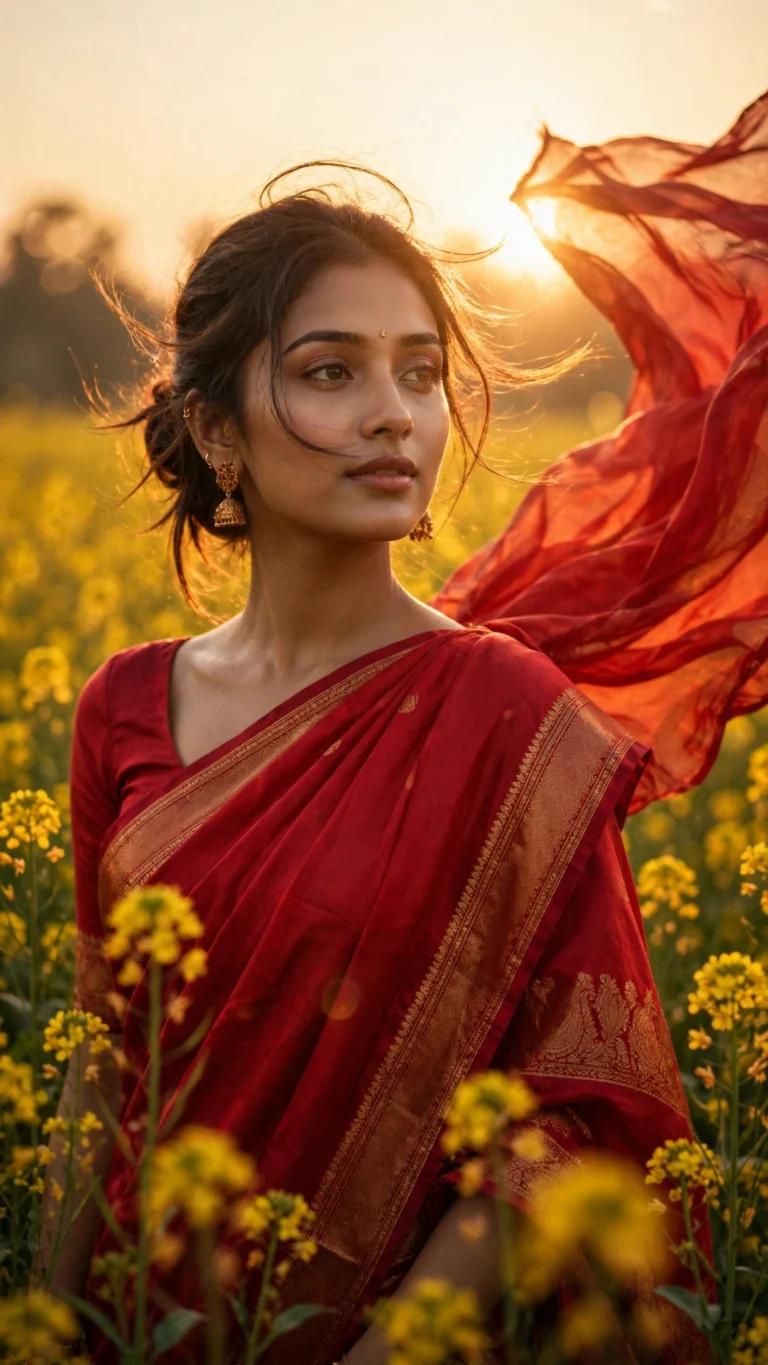
1. The restyle pattern: “Restyle this photo as [style], [setting], [lighting]. Keep the exact same face and identity.” Example: “Restyle this photo as a 90s Bollywood movie poster, dramatic lighting, vintage film grain. Keep the exact same face and identity.”
2. The surgical edit pattern: “Change only [one thing], keep everything else identical.” Example: “Change only the background to a rainy neon street at night, keep the person, pose and face exactly the same.” Small, single changes are where the model is most reliable.
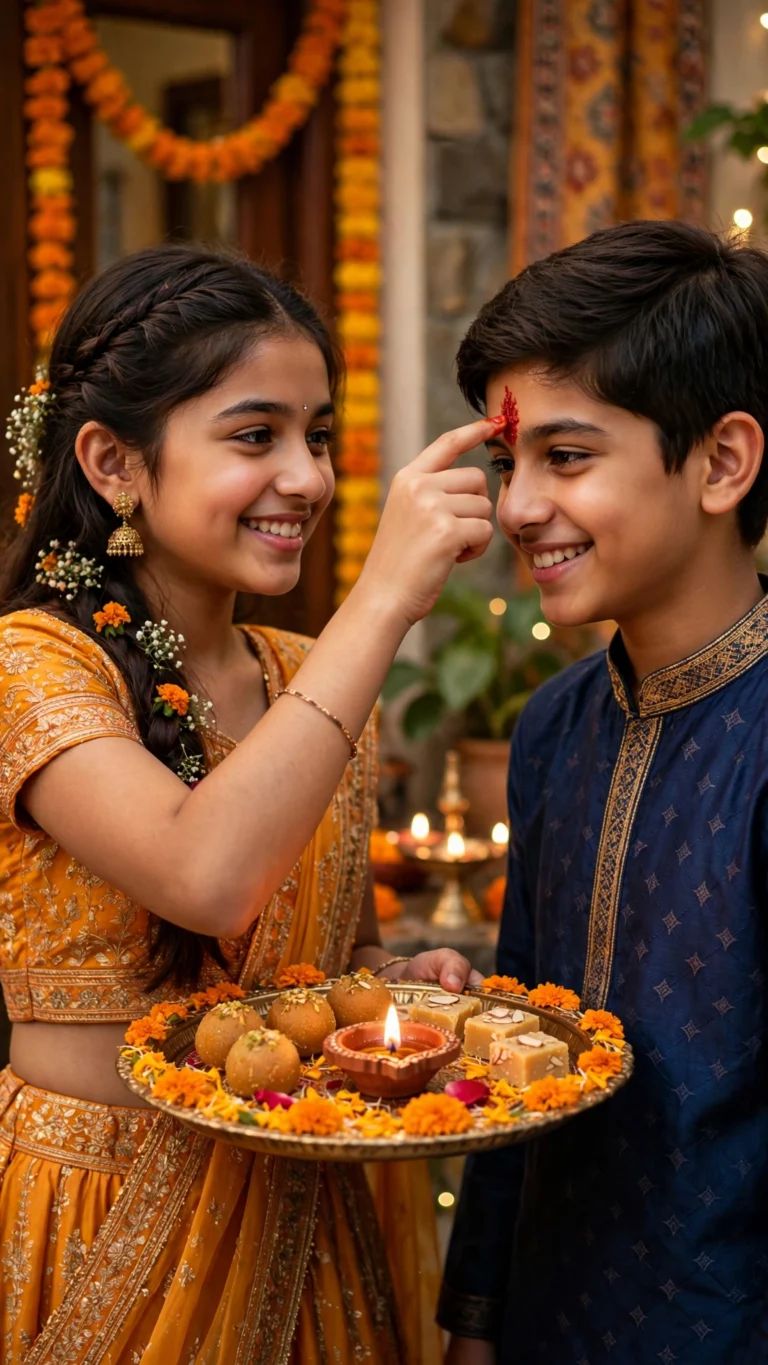
3. The scene-builder pattern: “Place me in [detailed scene], [outfit], [mood], photorealistic.” Example: “Place me in a Diwali celebration on a decorated balcony, diyas and fairy lights, wearing a red saree, warm festive glow, photorealistic. Keep my face exactly the same.”
Notice every pattern ends with identity preservation — with Nano Banana that line is a reinforcement of its strength, not a workaround for a weakness. Browse our prompt library for ready-made prompts built on exactly these patterns.
Limitations you should know
- Text in images is unreliable. Asking for posters, signs or t-shirts with specific wording often produces garbled text. Keep any text short and simple, and expect to retry.
- Hands and complex poses can glitch. Like all image models, it occasionally mangles fingers or limbs in unusual poses. Simpler poses are safer.
- Heavy stylization still drifts identity. It is the best at face consistency, not perfect at it — extreme anime or fantasy transformations can still lose likeness.
- It follows the vibe more than the letter. Very long prompts with many precise details may get simplified; for hyper-detailed art direction, ChatGPT’s image model sometimes follows instructions more literally (see our ChatGPT vs Gemini comparison).
- Content limits apply. Like all mainstream AI tools, it refuses certain requests — celebrity likenesses, misleading imagery and explicit content, among others.
Quick comparison with other options
Against ChatGPT’s image model: Nano Banana is faster and better at keeping your face, while ChatGPT follows long, detailed prompts more faithfully. Against dedicated photo editors (Lightroom, Snapseed): those give you pixel-level control but no generative restyling — different job entirely. Against CapCut-style template apps: templates are instant but everyone gets the same look; Nano Banana gives you a unique image every time. For AI photo prompts specifically, it is currently the default recommendation — which is also why many of our templates and prompts are tested in it first.
FAQ
Is Nano Banana free?
It is available inside the free Gemini app, though Google may apply usage limits that change over time. For casual photo editing — a handful of images a day — most users stay comfortably within the free tier. Check the current limits in the app.
Do I need to install a separate Nano Banana app?
No. There is no separate app to download — it is the image model inside Gemini. If someone asks you to install a “Nano Banana app” from outside the official app stores, be cautious; stick to the official Gemini app.
Why is it called Nano Banana?
It was the model’s internal codename at Google before launch, and the name stuck in the community. Officially it is part of the Gemini 2.5 Flash image family — but everyone still calls it Nano Banana.
Can Nano Banana edit couple or group photos?
Yes, and its character consistency helps here — it tries to preserve each person’s identity. Results are best when all faces are clearly visible and well-lit in the source photo. Very crowded group shots are harder for any image model.
Does it work for video prompts too?
Nano Banana is an image model, not a video generator. For AI video, you would use a video tool (like Google’s Veo/Flow or similar) — sometimes starting from a Nano Banana-generated still as the first frame, which is a popular creator workflow.
- ChatGPT — OpenAI’s AI assistant with image generation
- Google Gemini — Google’s AI assistant with native image editing