 Aesthetic
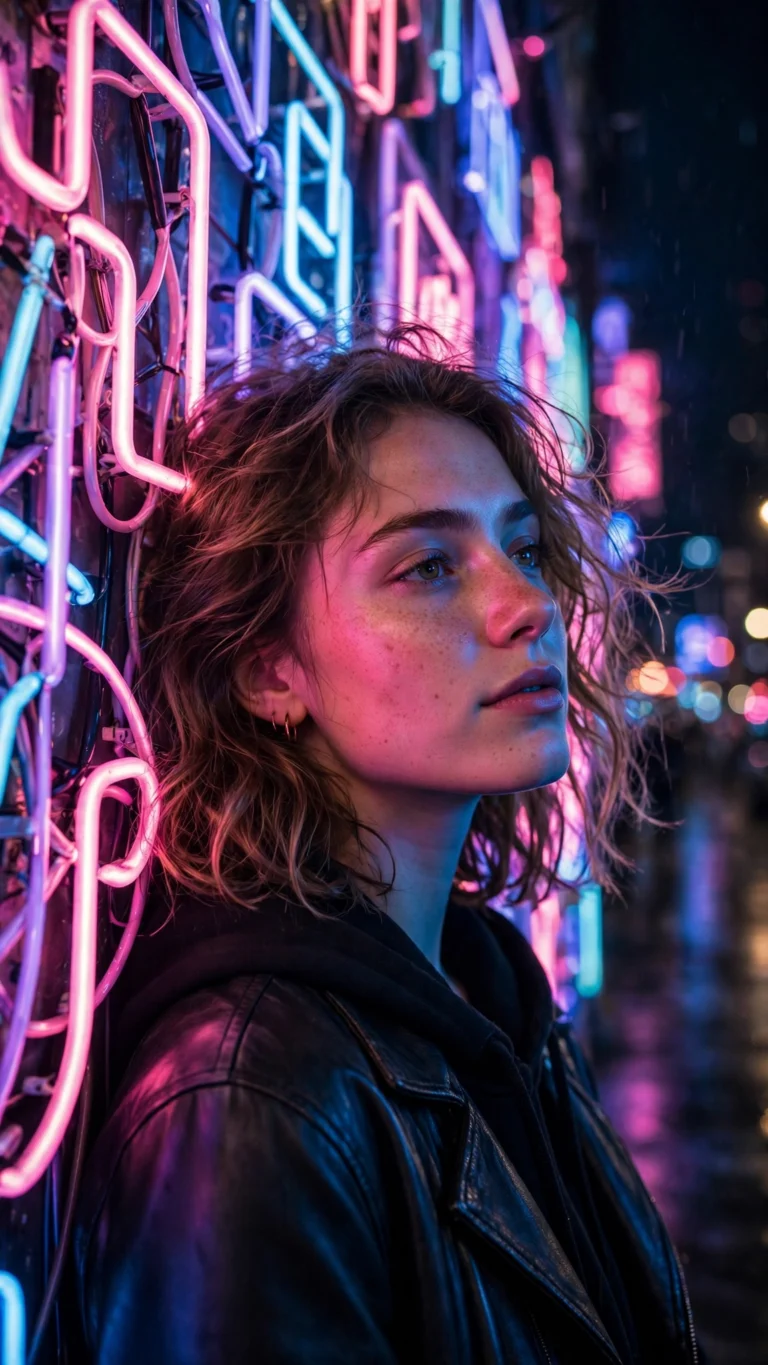
Neon Sign Night Aesthetic
Neon Sign Night Aesthetic
Neon sign night aesthetic — glowing signs, rain-wet streets, cyber glow. Free copy-paste AI photo prompt for Gemini & ChatGPT.
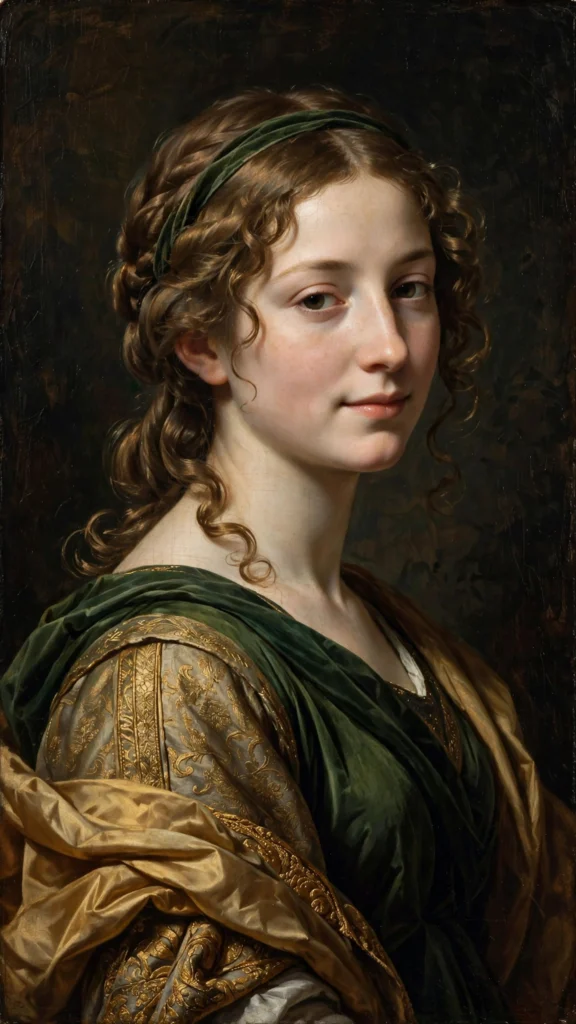
The Renaissance Painting Portrait is a aesthetic AI photo prompt for ChatGPT and Gemini. Turn your photo into a Renaissance oil painting — chiaroscuro light, rich drapery, old-master style. Free AI prompt, copy-paste. Copy it free below - no sign-up needed.
Transform my photo into a Renaissance oil painting in the style of the old masters. I am portrayed three-quarter view against a deep umber background, draped in a rich burgundy velvet cloak with a white linen collar, one hand resting thoughtfully near my chin. Dramatic chiaroscuro lighting sculpts my features — a soft window light from the left, deep velvety shadows on the right. Visible brushwork in the fabrics, subtle craquelure in the varnish, a distant Italian landscape glimpsed through a dark archway behind me. Keep my face, features and skin tone exactly the same. Render it faithfully as the painting's subject. Noble, timeless, contemplative mood — museum-quality portraiture with luminous glazing, rich earthy pigments, and photographic detail. Photorealistic, vertical 4:5.
An old-master oil painting transformation — chiaroscuro lighting, velvet drapery, visible brushwork, and a dark classical background, like a museum portrait.
Upload a well-lit photo to Gemini or ChatGPT's image mode, paste the copied prompt, and send. Adjust the era or details like jewelry with follow-up messages.
Yes — the prompt renders your exact face, features, and skin tone as the painting's subject, changing only the artistic style around you.
Completely free. Explore Baroque, Dutch Golden Age, or add period details like a ruff collar or laurel crown.
AestheticNeon Sign Night Aesthetic
Neon sign night aesthetic — glowing signs, rain-wet streets, cyber glow. Free copy-paste AI photo prompt for Gemini & ChatGPT.
 Aesthetic
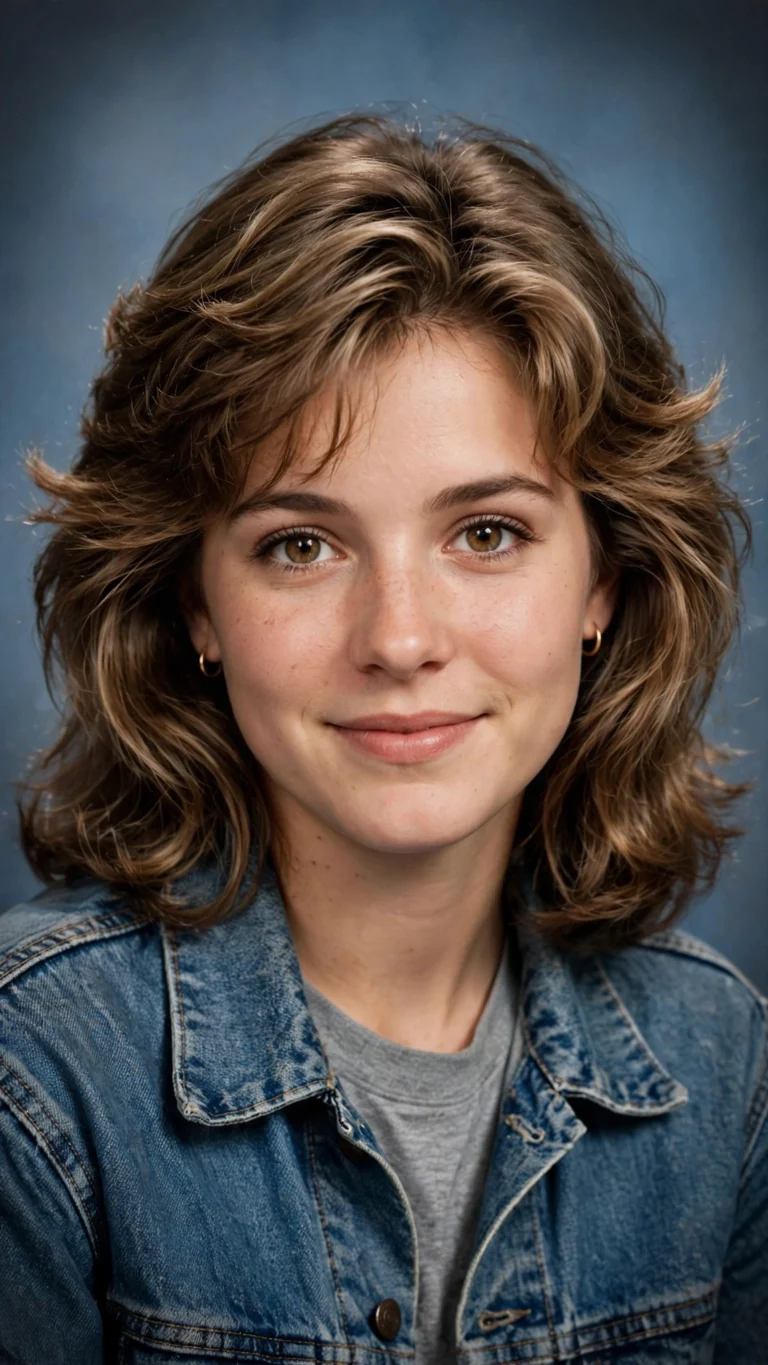
AI Yearbook 90s Trend Portrait
The viral 90s yearbook trend — retro school portrait, soft flash, film grain. Free AI prompt for Gemini & ChatGPT, copy-paste.
 Aesthetic
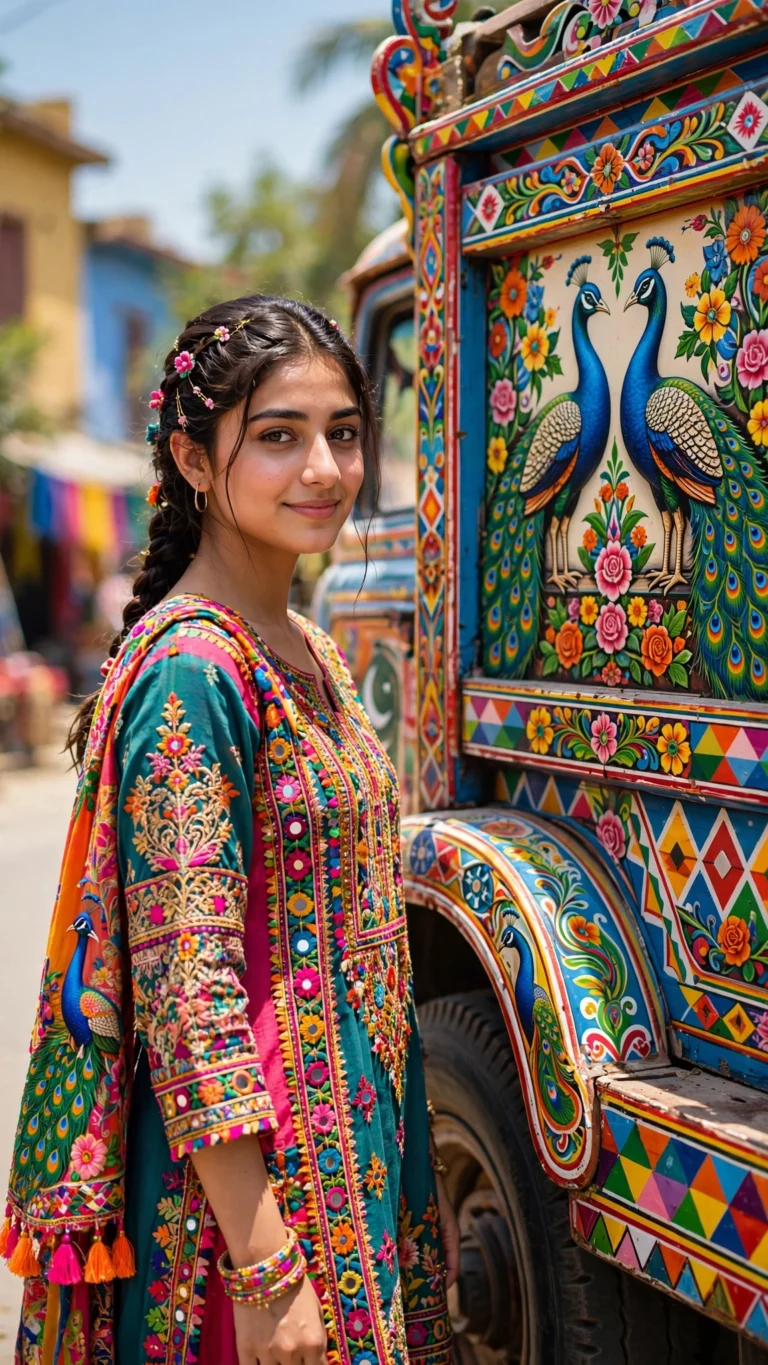
Truck Art Aesthetic Portrait
Turn your photo into a vibrant truck-art portrait — bold Pakistani floral designs and street energy. Free copy-paste AI prompt for Gemini & ChatGPT.